






Three steps to a printed page
-
Choose wide, college or narrow ruling.
-
Pick plain notebook paper or Cornell notes, and a line colour.
-
Press Print. Print the page twice-sided to save paper.
Frequently Asked Questions
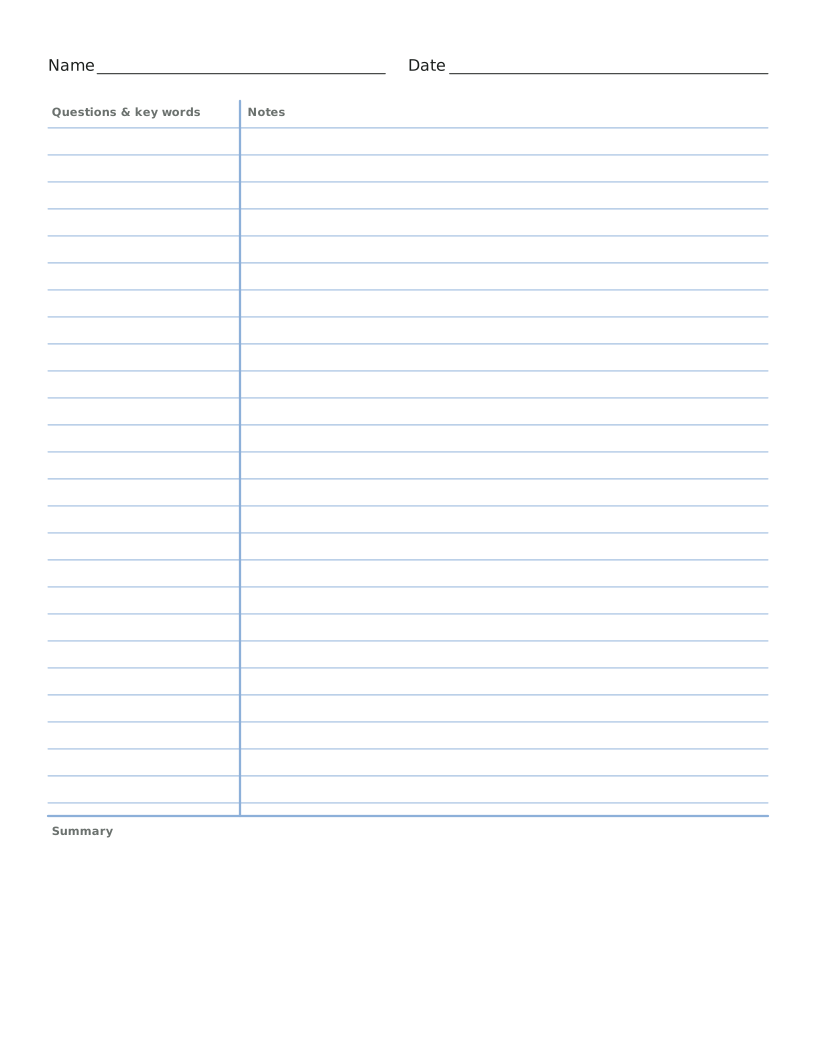
How wide is the cue column in Cornell notes?
2.5 inches, the width Walter Pauk suggested when he designed the method at Cornell. The summary box across the bottom is 2 inches tall.
How far apart are the lines on college ruled paper?
9/32 of an inch, about 7.1 mm. Wide ruled is 11/32 inch (8.7 mm) and narrow ruled is 1/4 inch (6.35 mm).
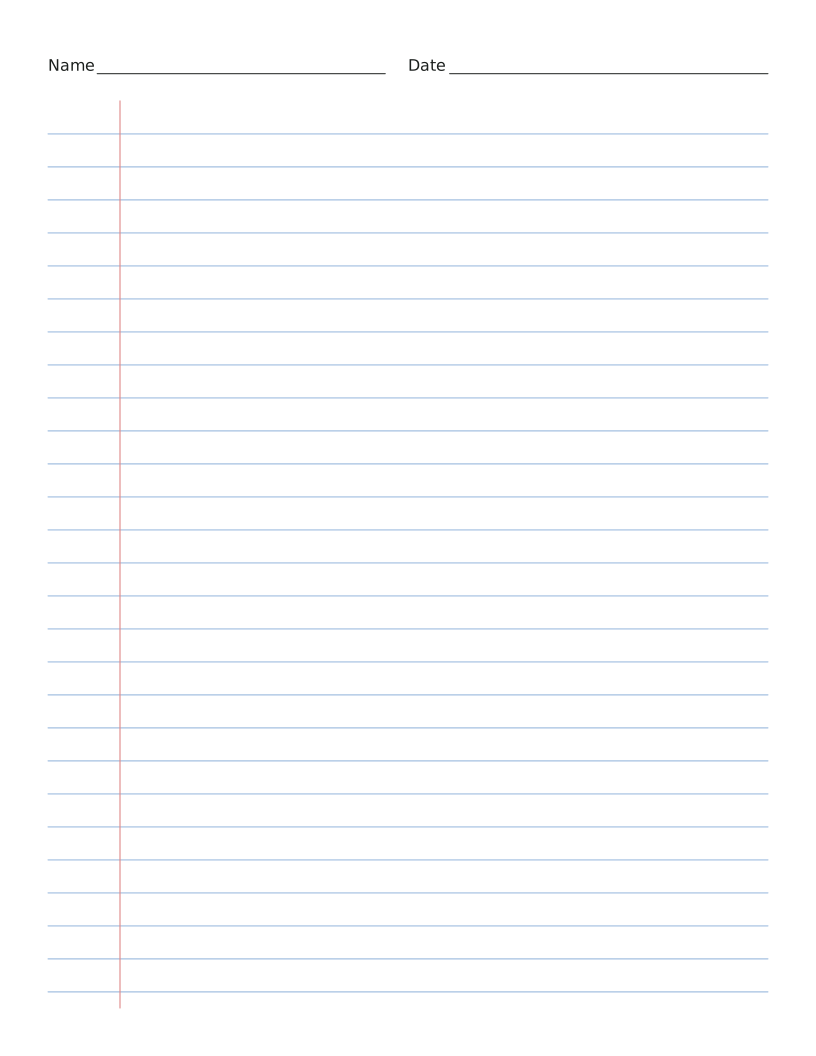
Can I print lined paper without the red margin?
Yes. Switch off "Red margin line" and the lines run the full width of the page.
Is there lined paper for kids learning to write?
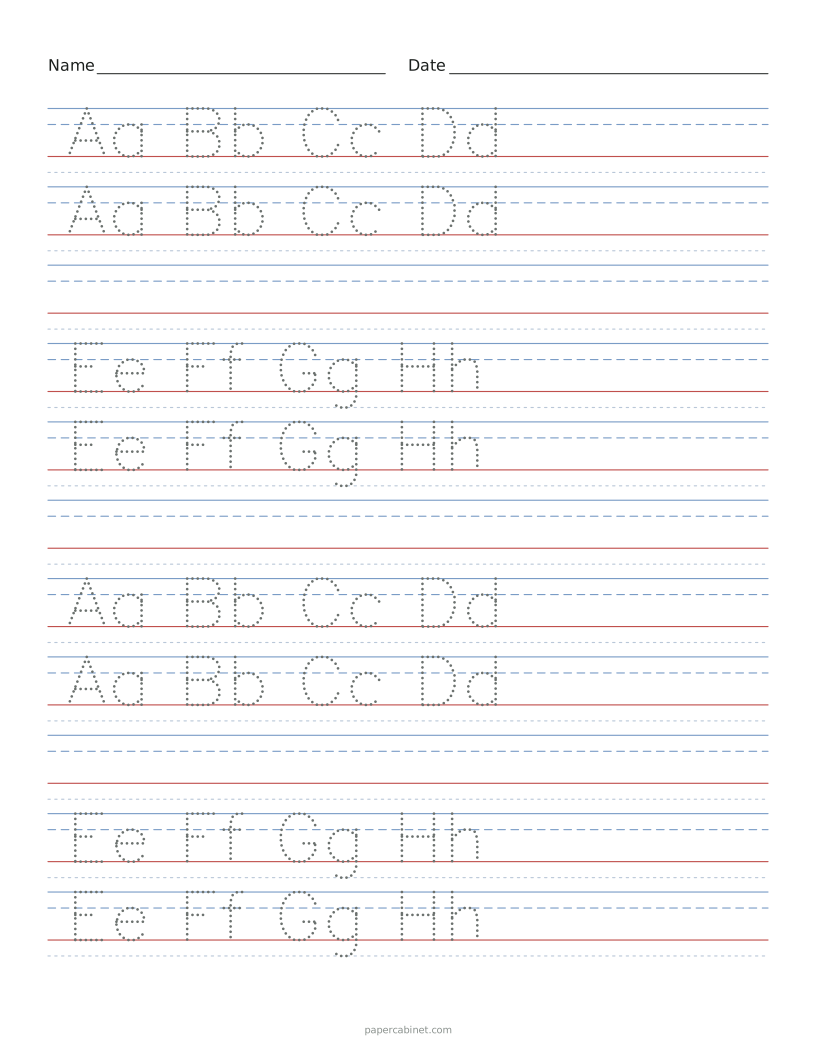
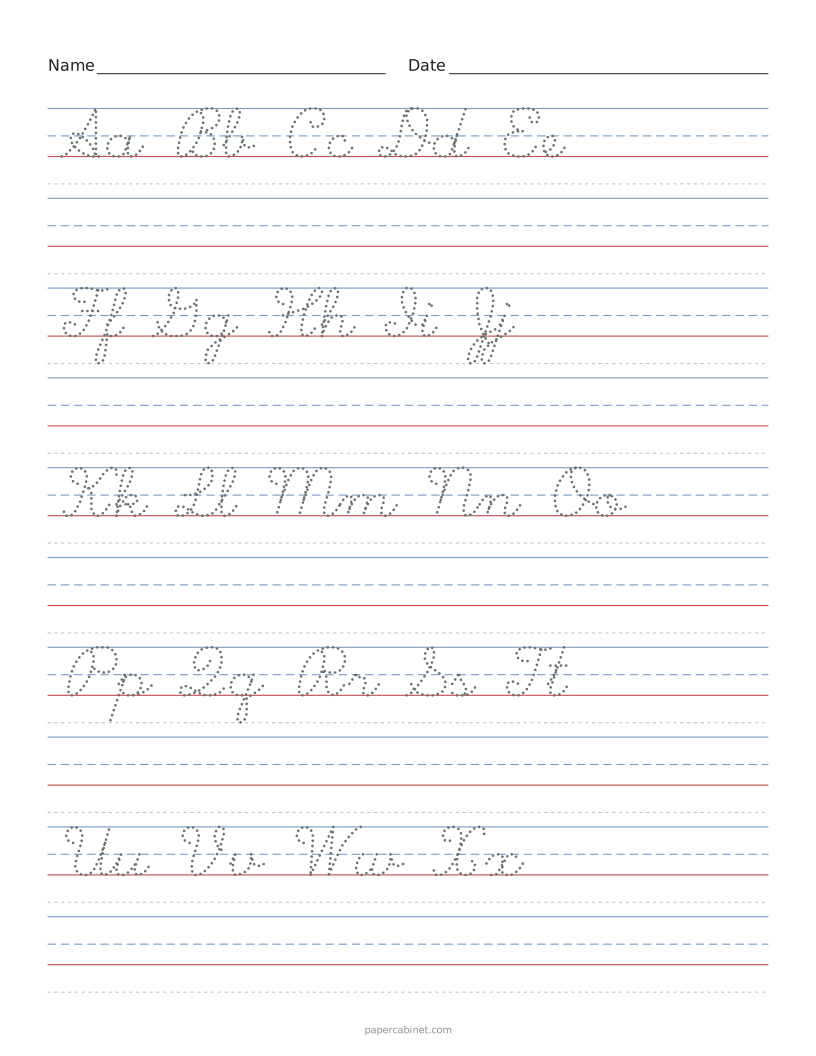
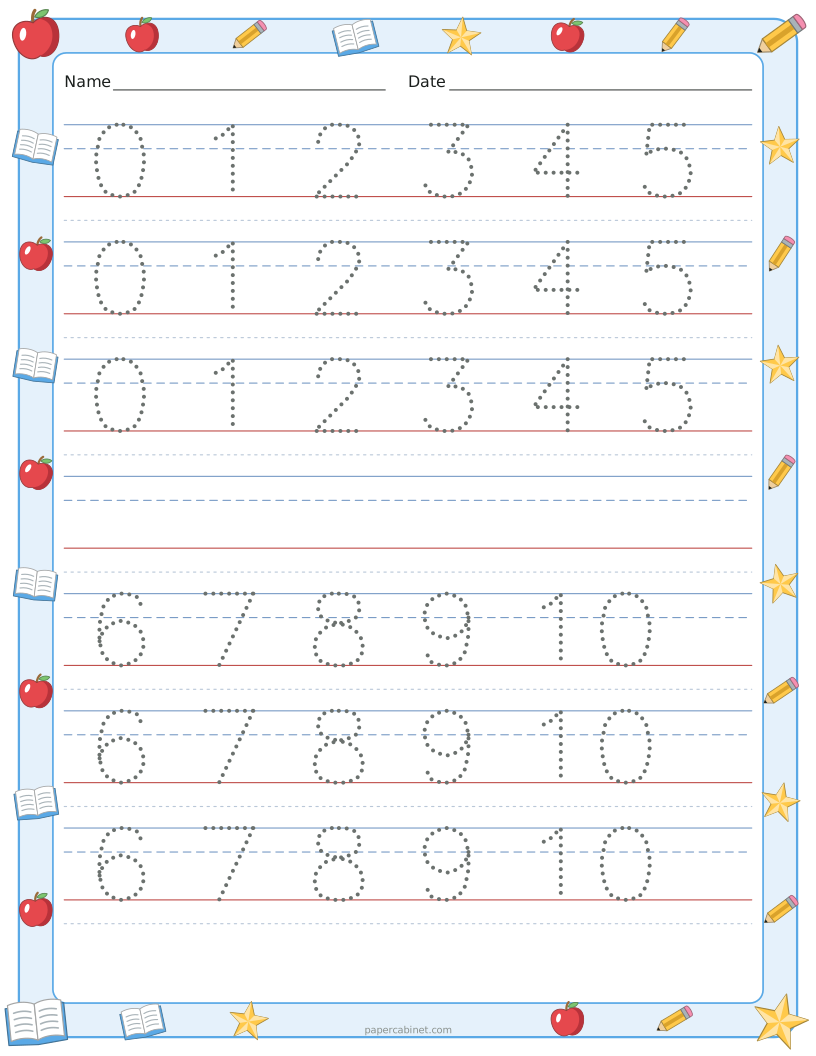
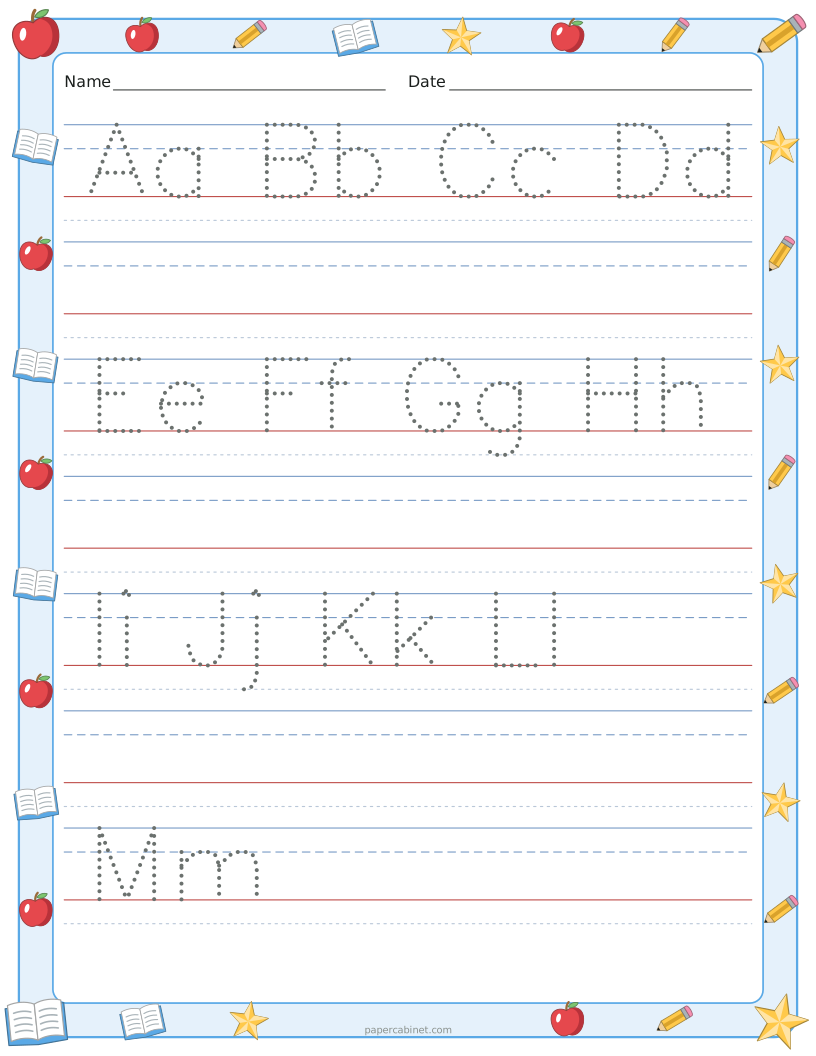
Yes. Our handwriting paper has the dashed middle line young writers need. Find it under handwriting sheets as "Blank Handwriting Paper".