
Three steps to a printed page
-
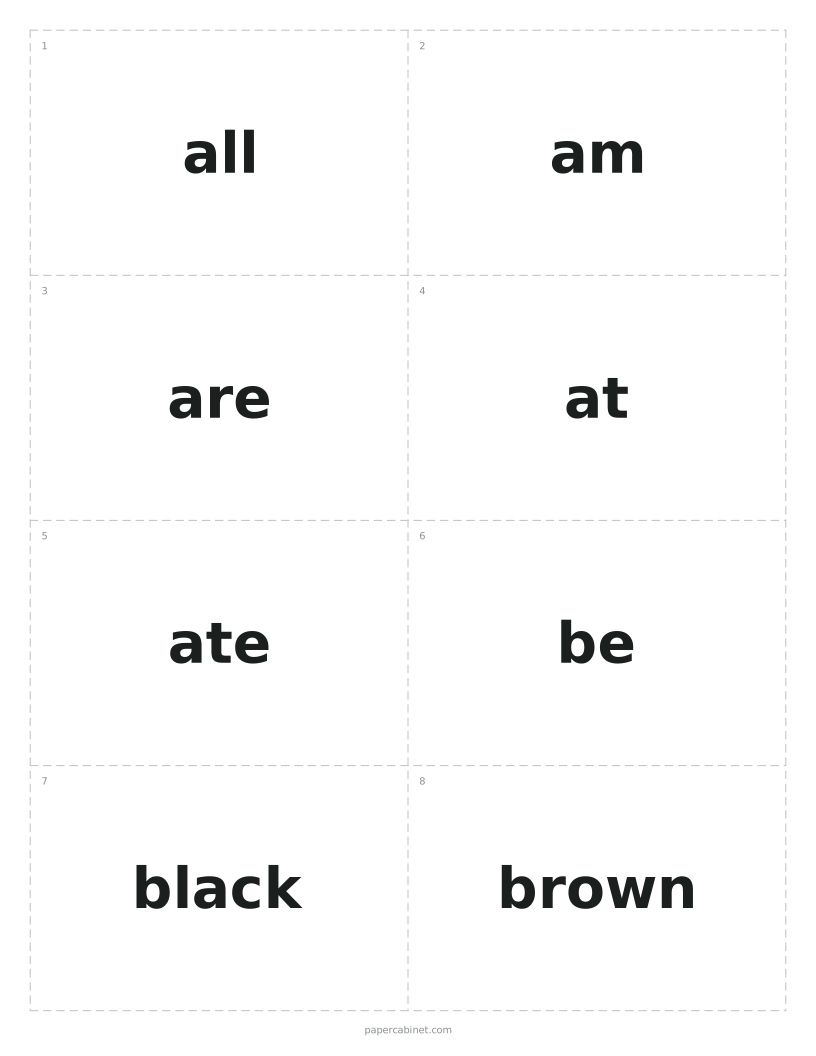
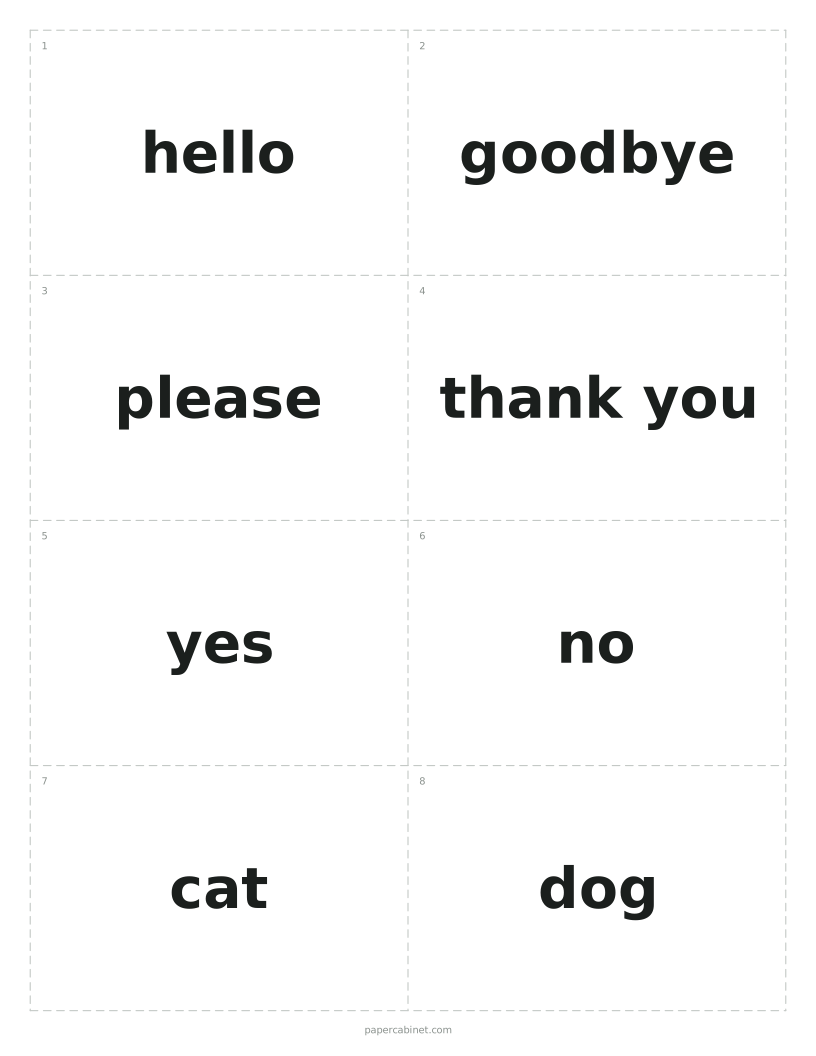
Type one card per line. Put a dash between front and back, or leave the back off.
-
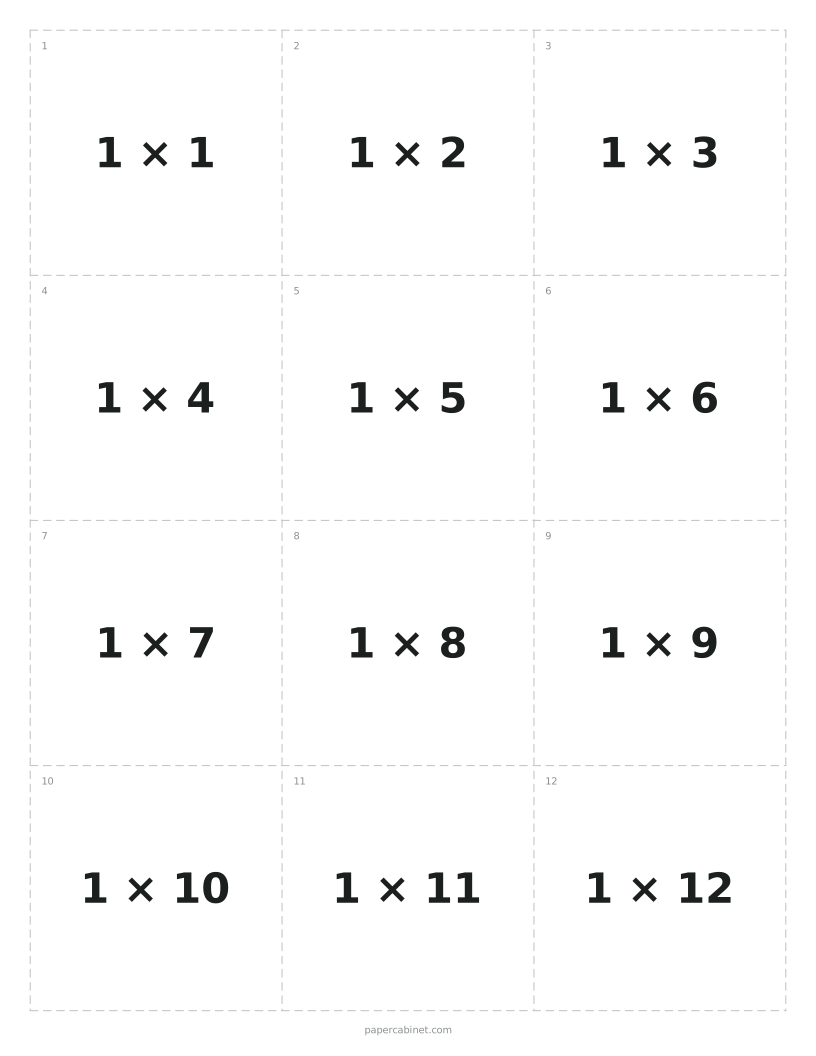
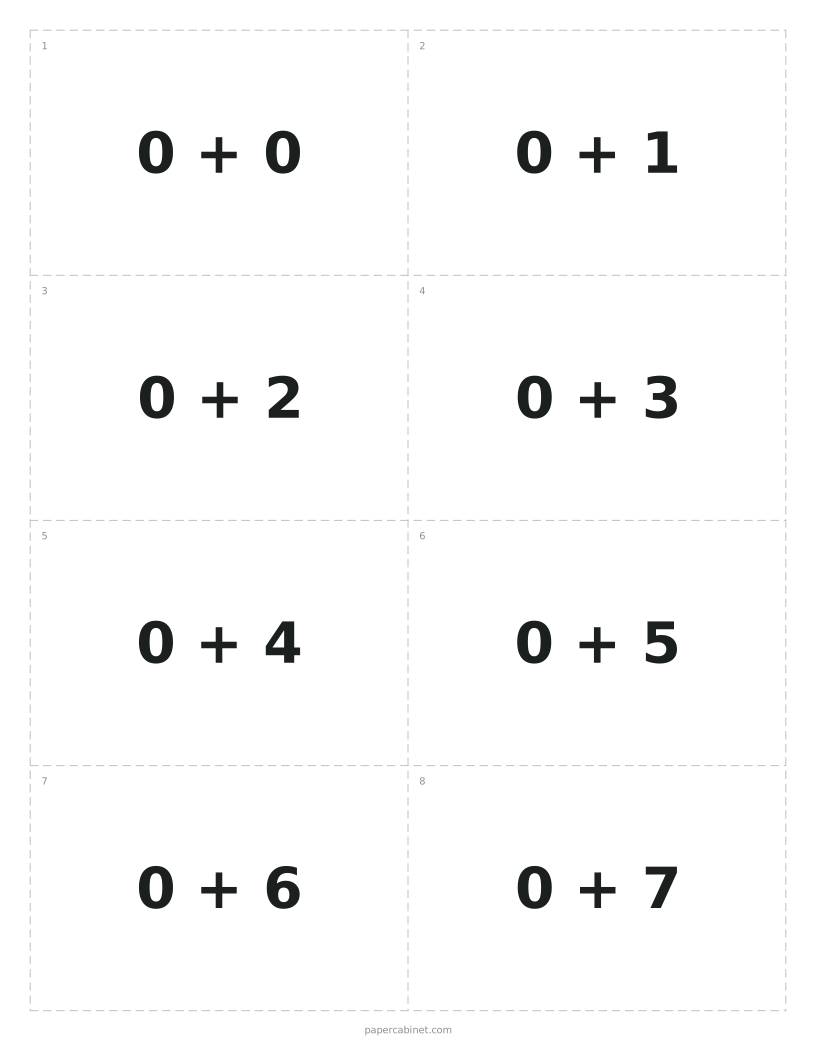
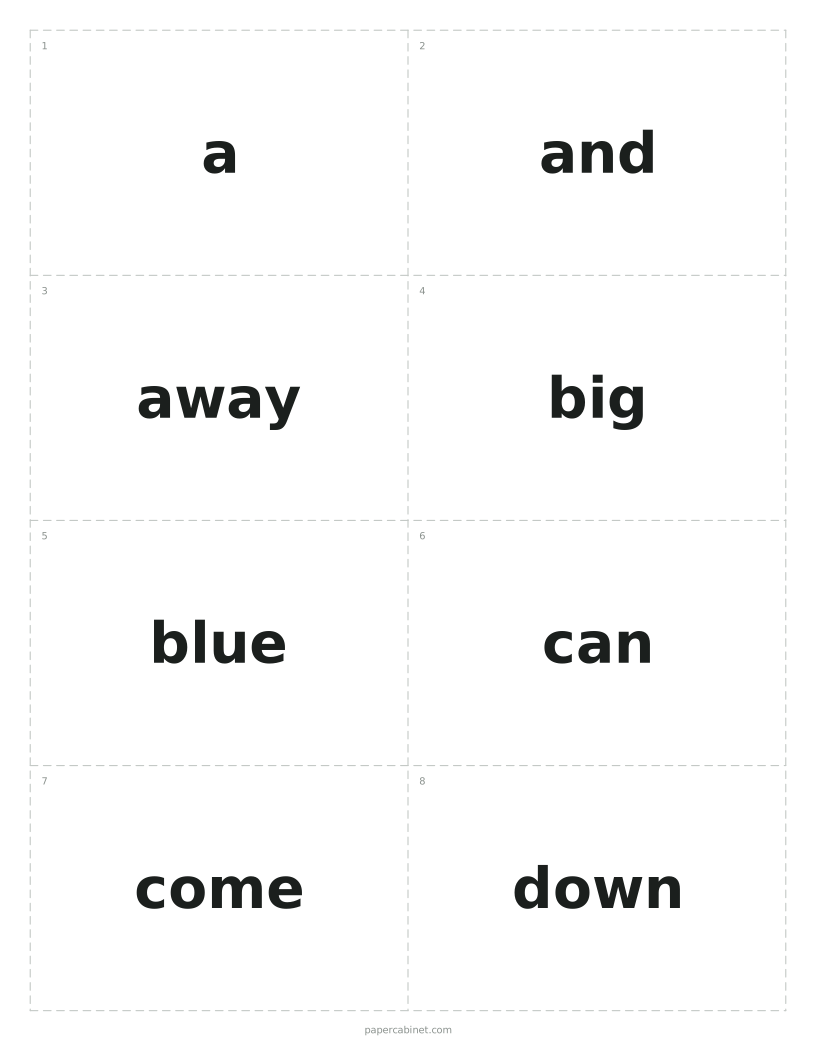
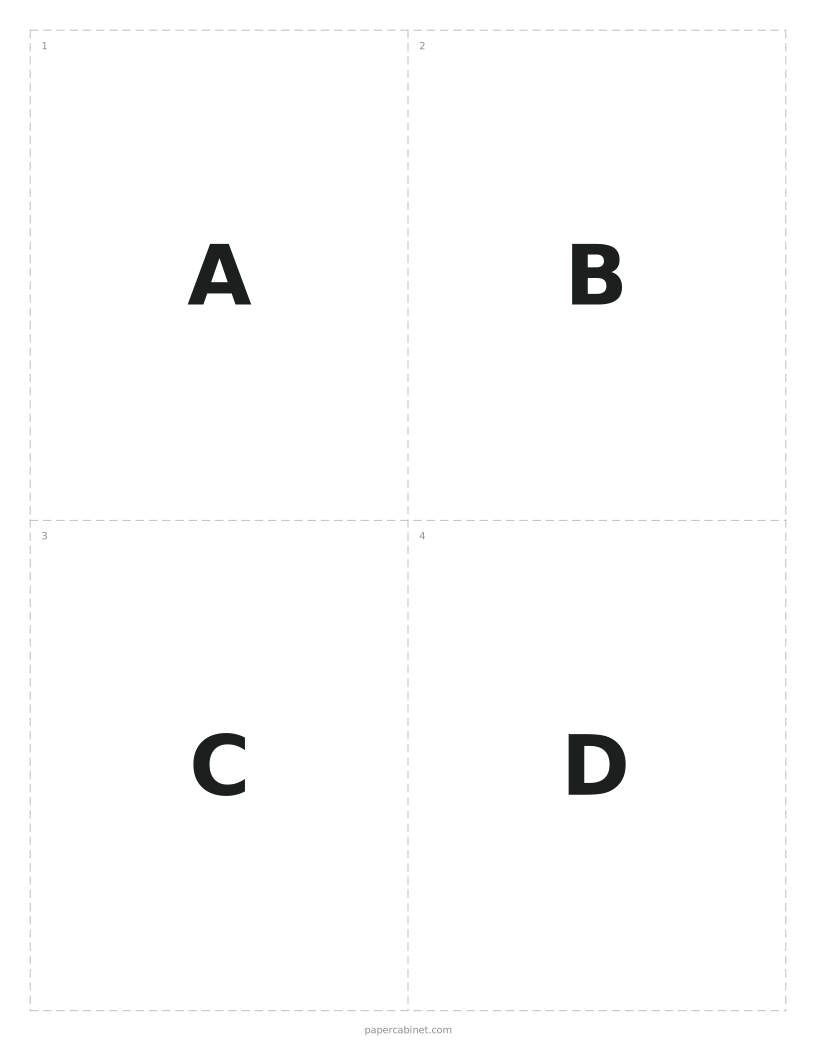
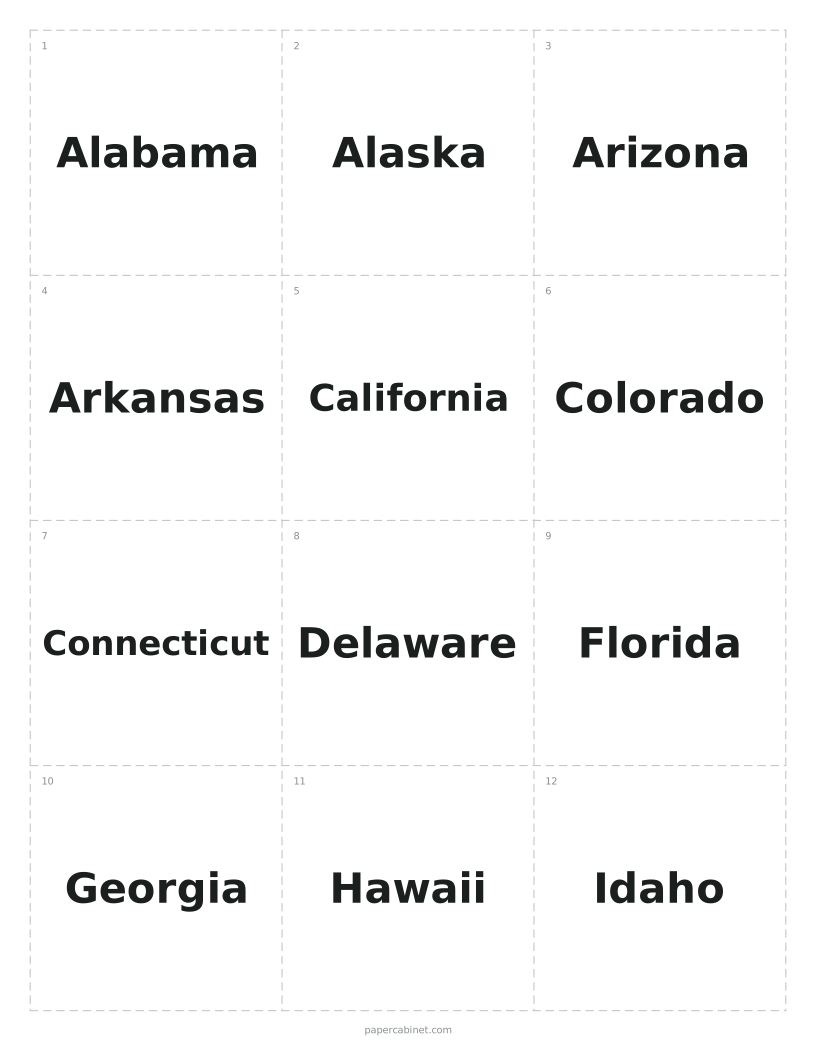
Pick a card size: 4, 8 or 12 to a page.
-
Print double-sided, flipping on the long edge, then cut along the dashed lines.
Printing double-sided
In the print window, turn on "Print on both sides" (sometimes called "two-sided" or "duplex") and choose "Flip on long edge". The backs are printed in mirror order, so the answer to each card lands right behind its question.
If your printer only prints one side, print the odd pages, put the stack back in the tray face down, then print the even pages. Try it with one sheet first, since printers differ in which way the paper goes back in.
Making them last
Cardstock (65 lb or heavier) holds up to a lot of shuffling, and you cannot see the back through it. For cards a class will use all year, laminate the sheets before cutting.
A paper trimmer gives straighter edges than scissors and is much faster for a stack of 50 cards.
Frequently Asked Questions
How do I make flash cards with a front and back?
Type each card on its own line with a dash between the two sides, like "photosynthesis - how plants make food from light". Fronts print on one page and backs on the next, lined up for double-sided printing.
Can I make one-sided flash cards?
Yes. Leave out the dash and the back. If no card has a back, only front pages print.
How big are the flash cards?
On US Letter paper, large cards are about 4 by 5 inches, medium cards about 4 by 2.6 inches (close to an index card), and small ones about 2.6 by 2.6 inches.
How many flash cards can I make at once?
Up to 150, which is 13 pages of medium cards.