

Three steps to a printed page
-
Choose a multiplication chart or a hundreds chart, and its size.
-
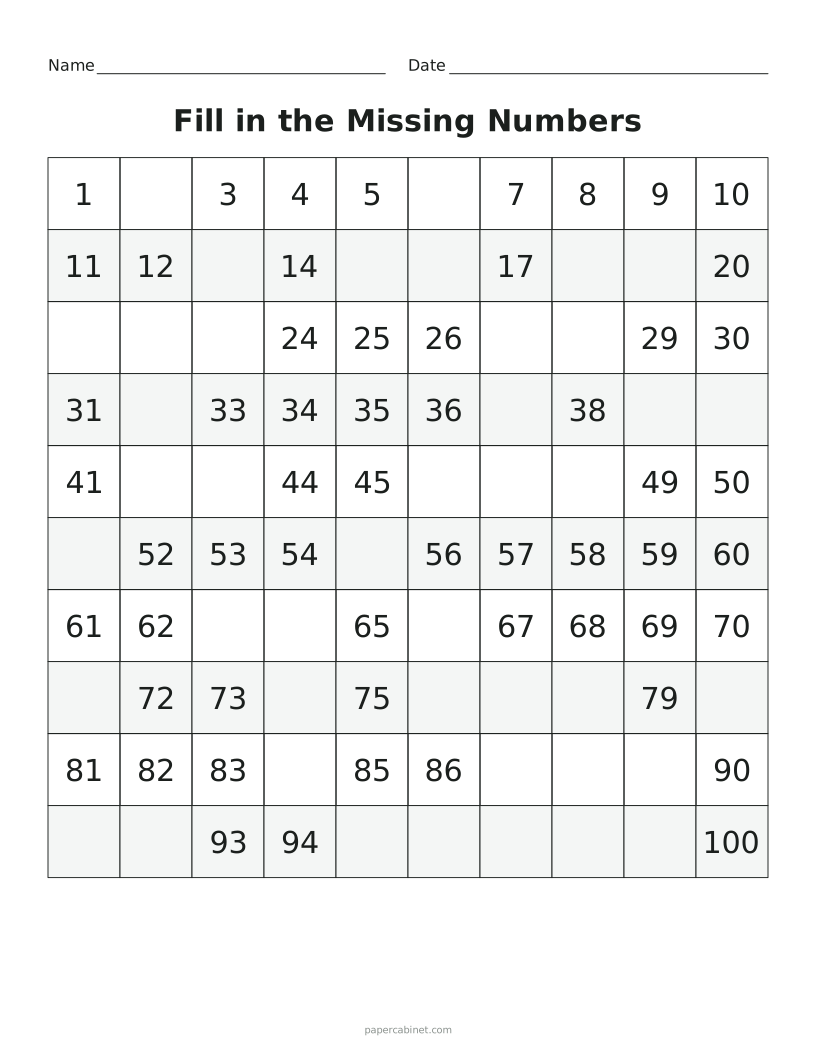
Leave every number showing, or hide some or all of them for fill-in practice.
-
Press Print. Shuffle gives a different set of blank squares.
Patterns worth pointing out
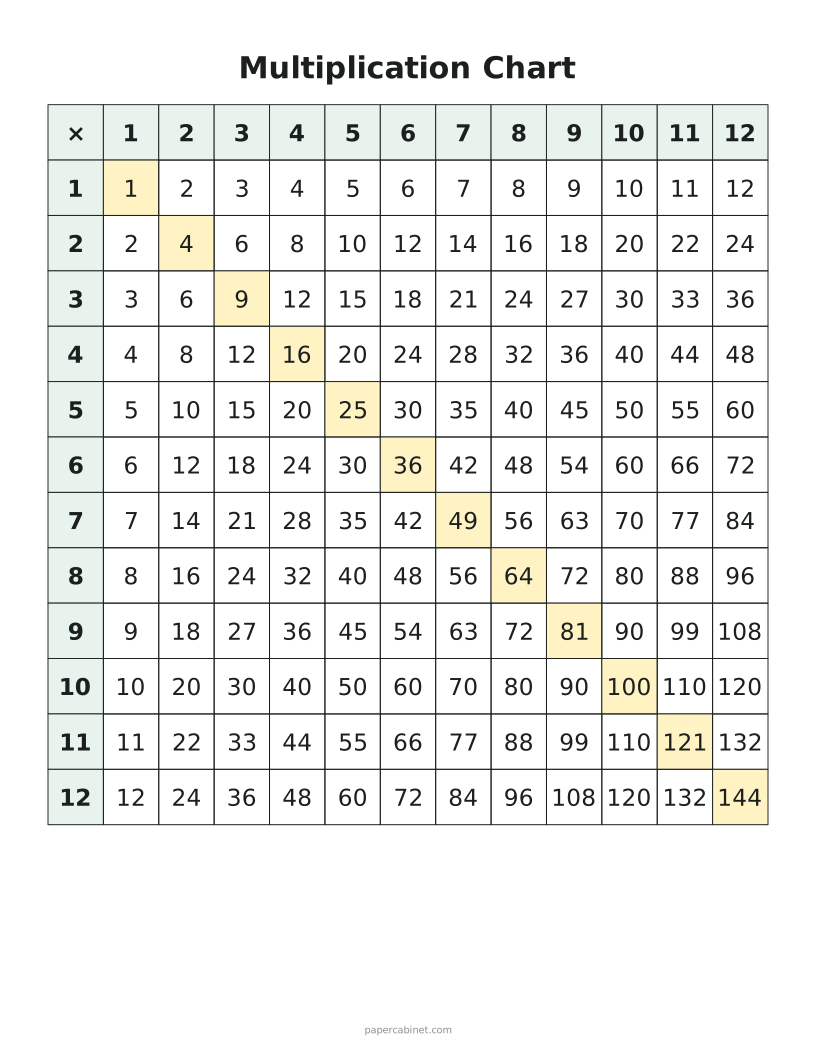
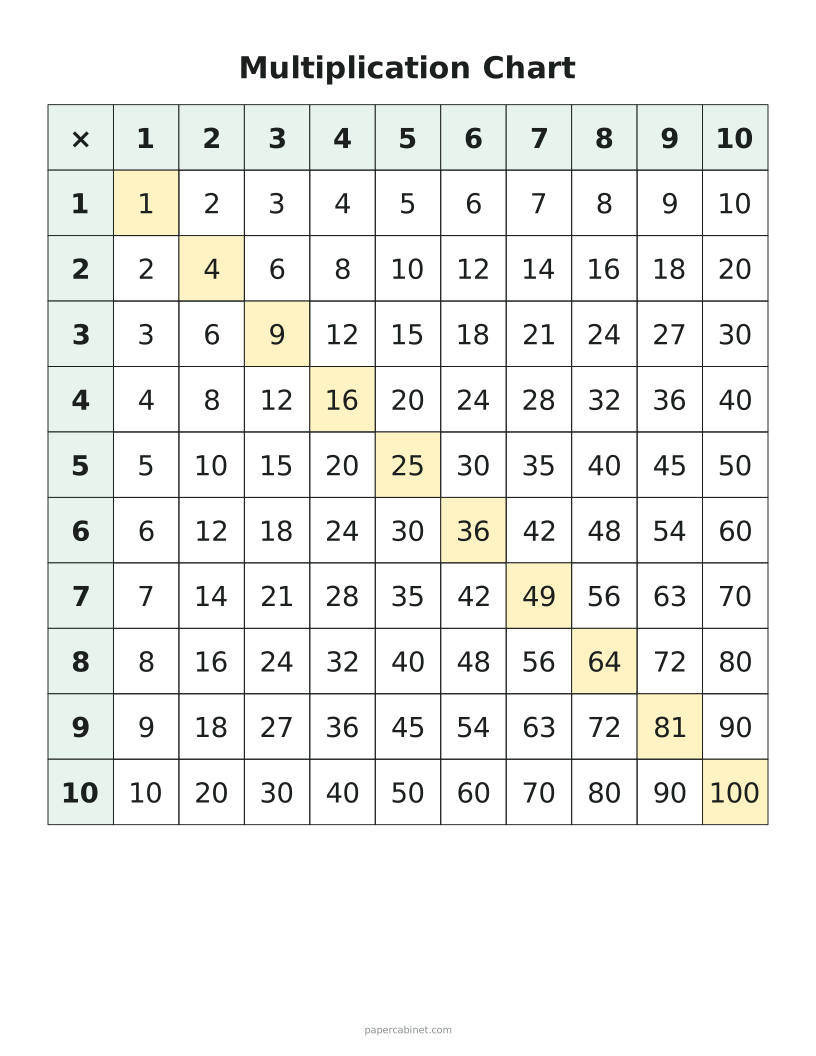
On a multiplication chart, the shaded diagonal holds the square numbers: 1, 4, 9, 16 and so on. The chart is a mirror image across that line, because 3 × 7 and 7 × 3 are the same. Once kids see that, there are only about half as many facts to learn.
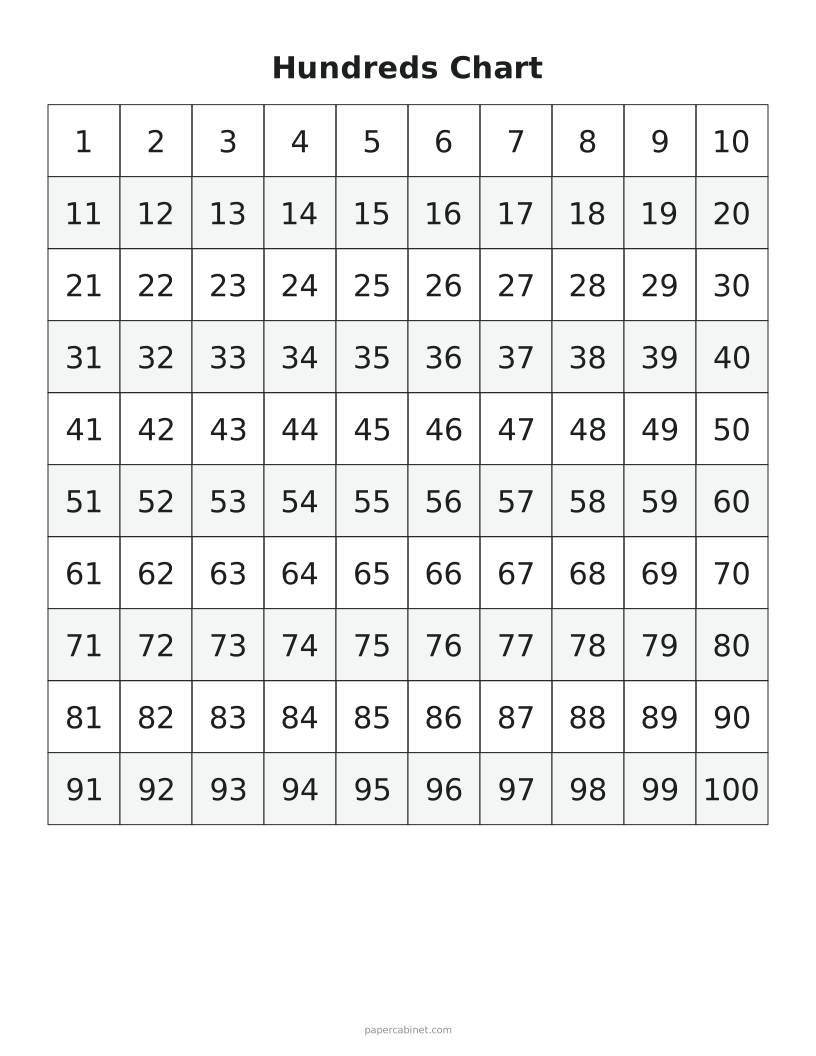
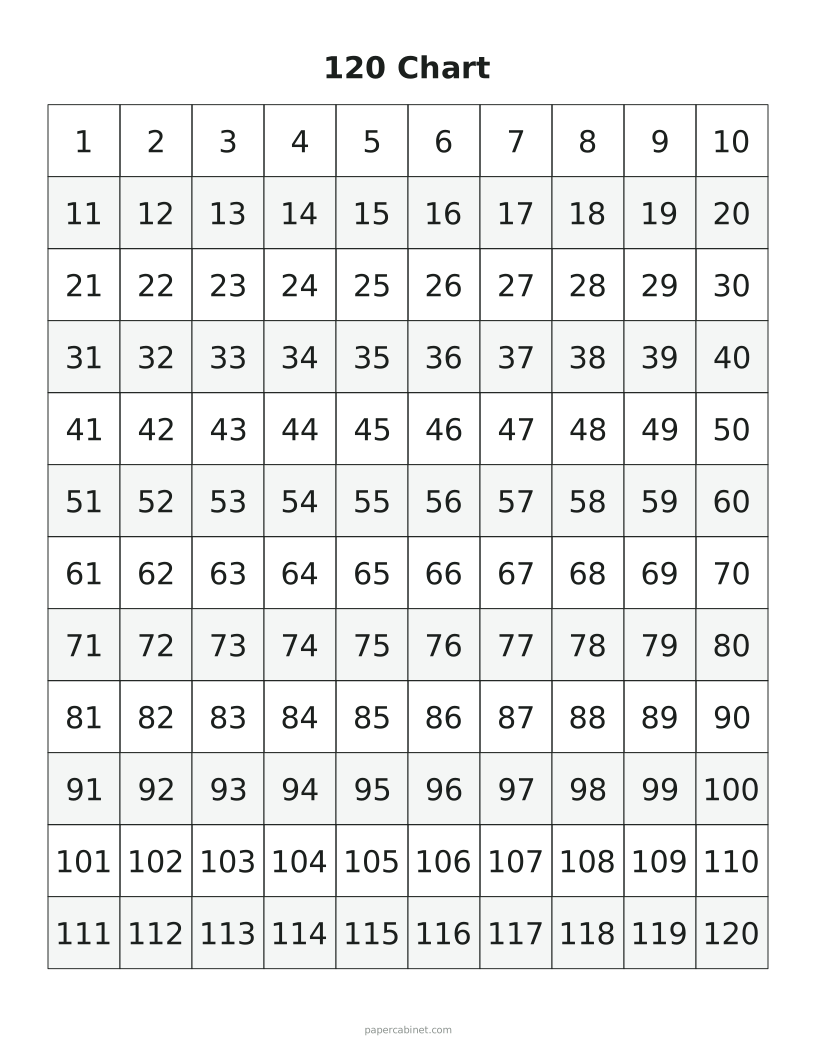
On a hundreds chart, every column shares a last digit and every row shares a first digit. Moving down one square adds ten, moving right adds one. Kids who see that can add 23 + 40 by sliding their finger down four rows.
Fill-in charts
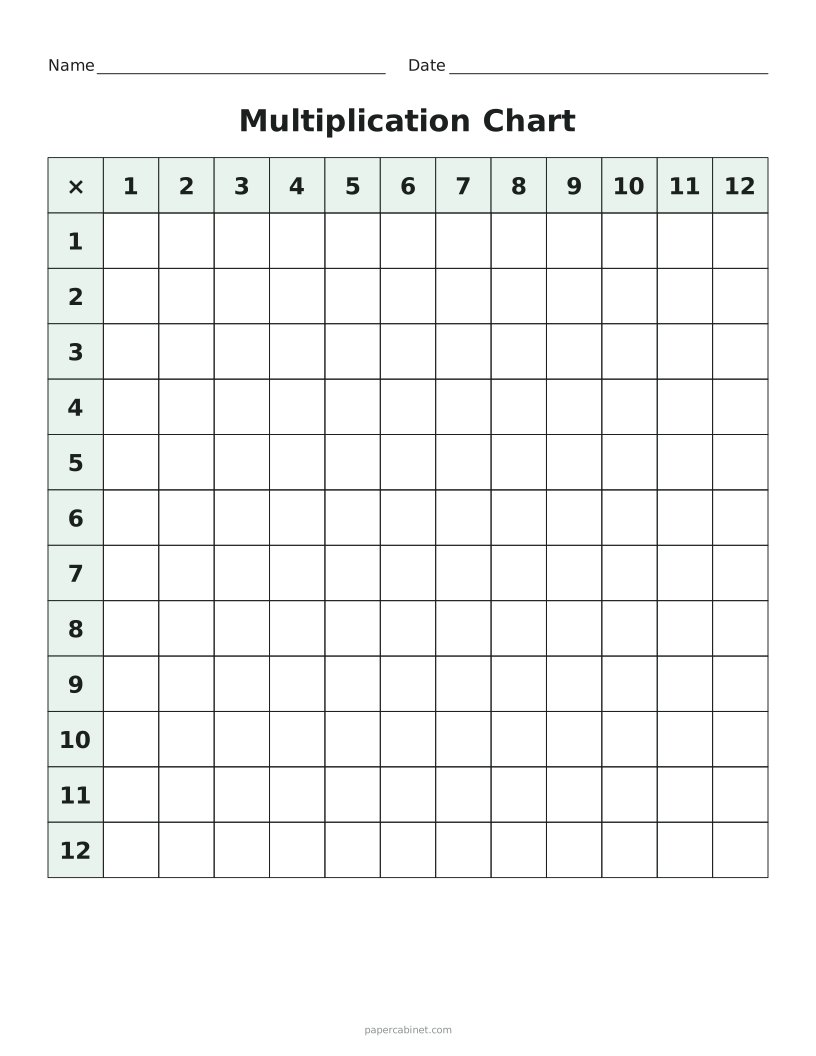
A partly blank hundreds chart is a classic first-grade activity: fill in the missing numbers by counting on from the ones around them. A blank multiplication chart, filled in from memory, is a good check once times tables are mostly learned.
Frequently Asked Questions
What size multiplication chart do schools use?
Most US schools use 12 × 12. A 10 × 10 chart is common for younger grades, and 15 × 15 is useful for extra challenge.
What is a 120 chart?
A hundreds chart that keeps going to 120, so kids practise counting past 100, which is a first-grade standard in many states.
Can I print a blank hundreds chart?
Yes. Choose Hundreds, then "Blank" under fill-in practice for an empty 10 × 10 grid.