

Three steps to a printed page
-
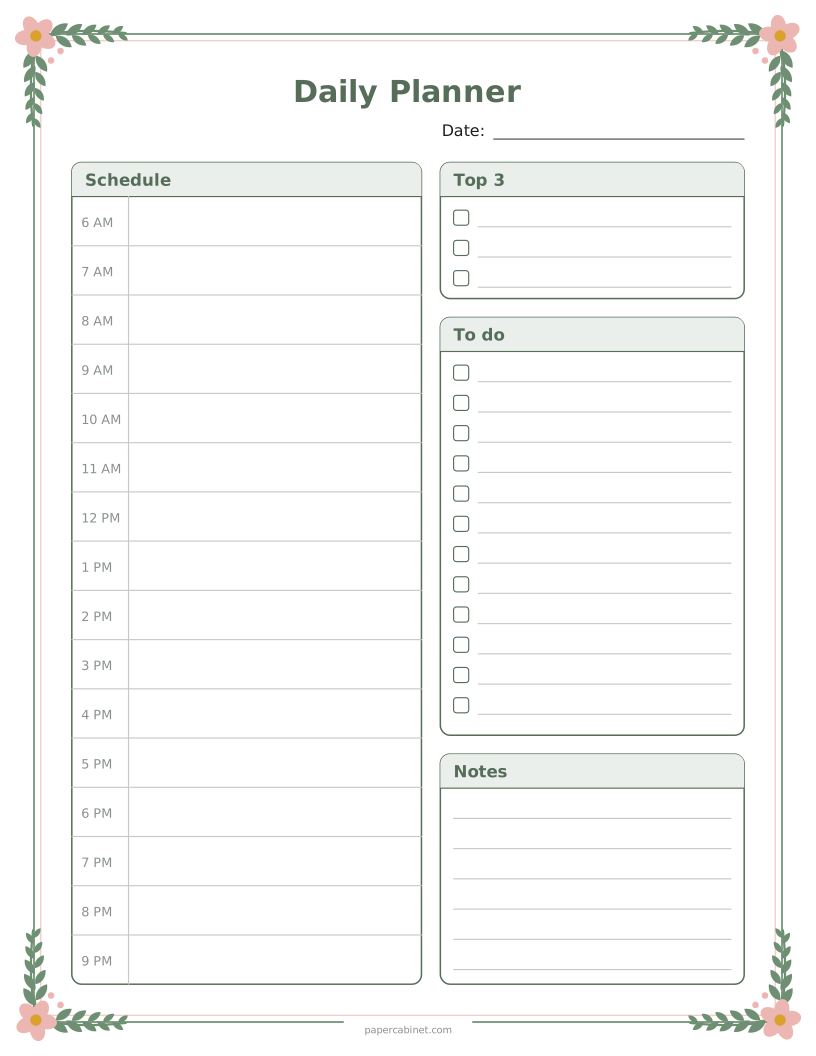
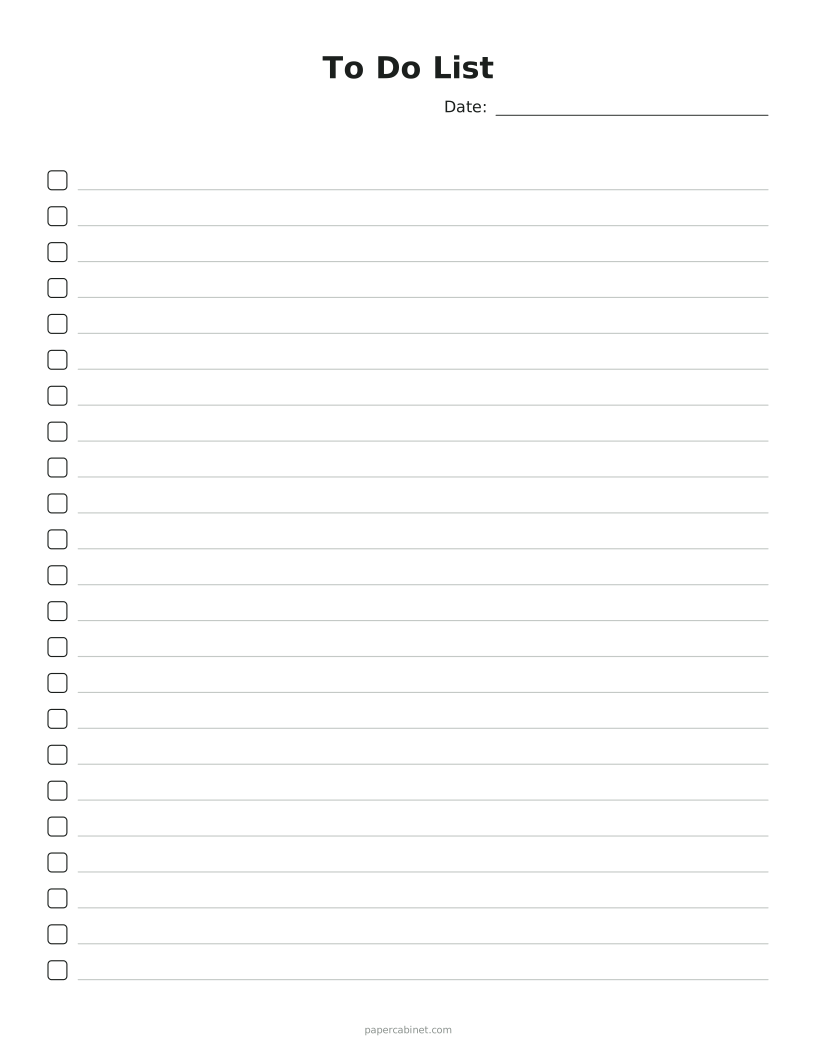
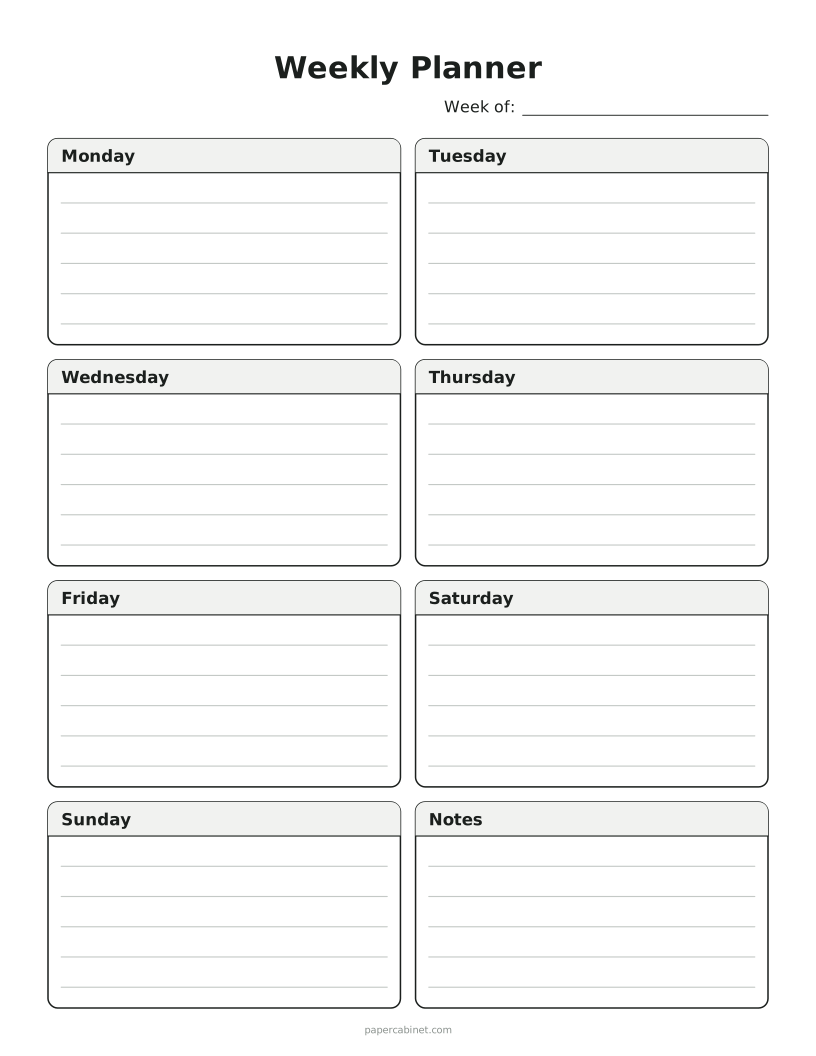
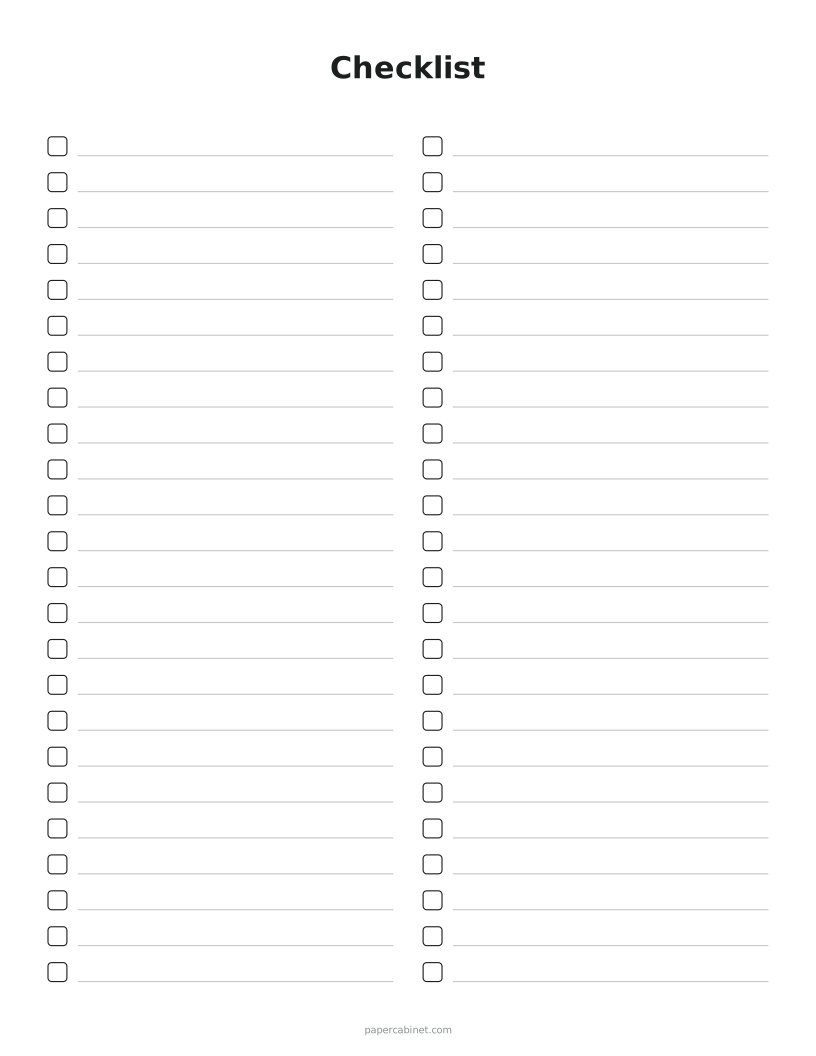
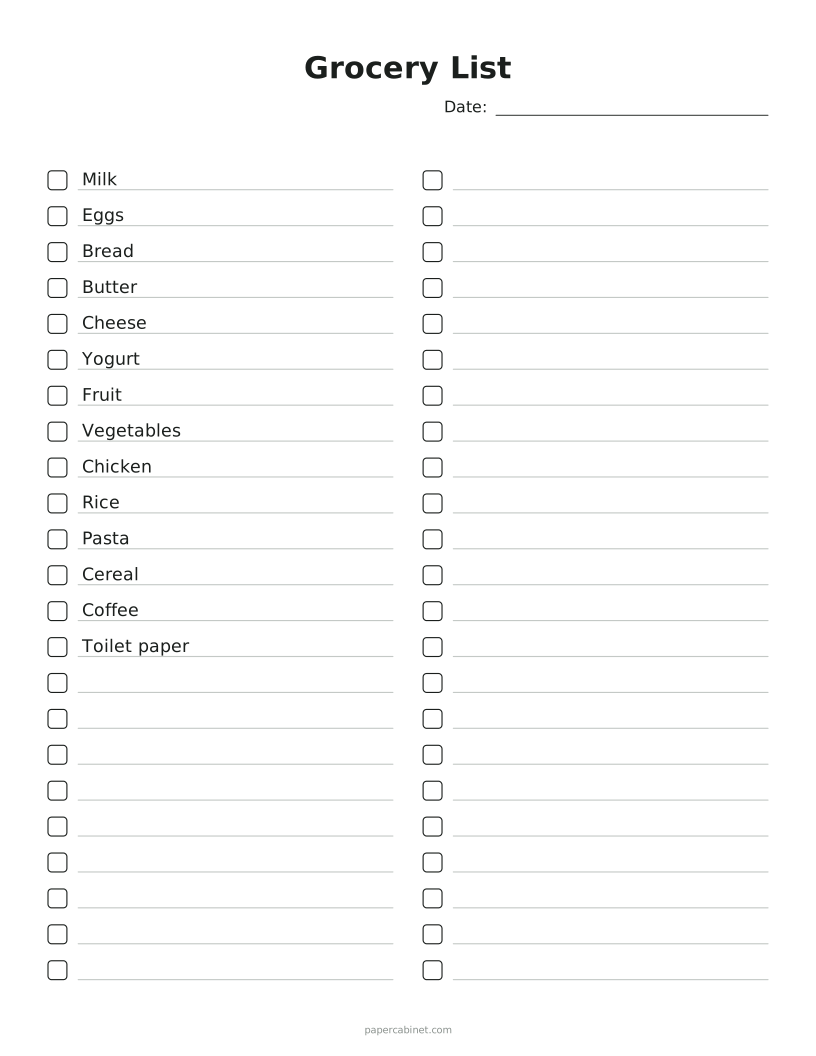
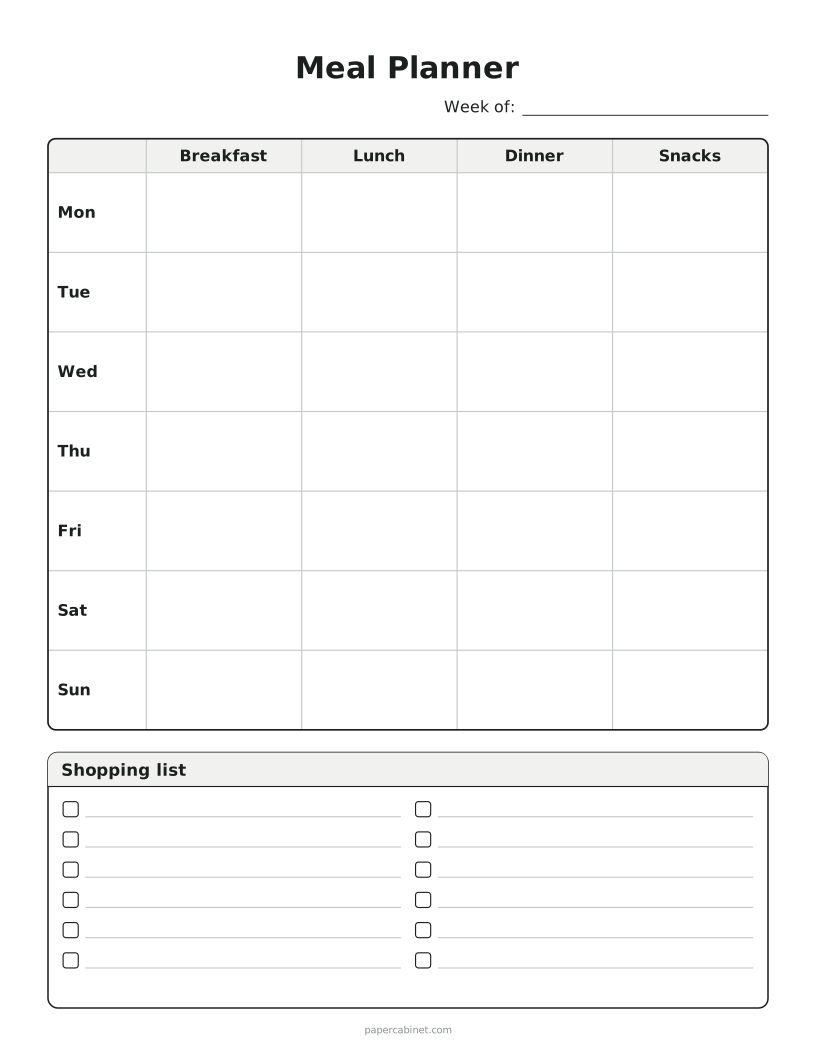
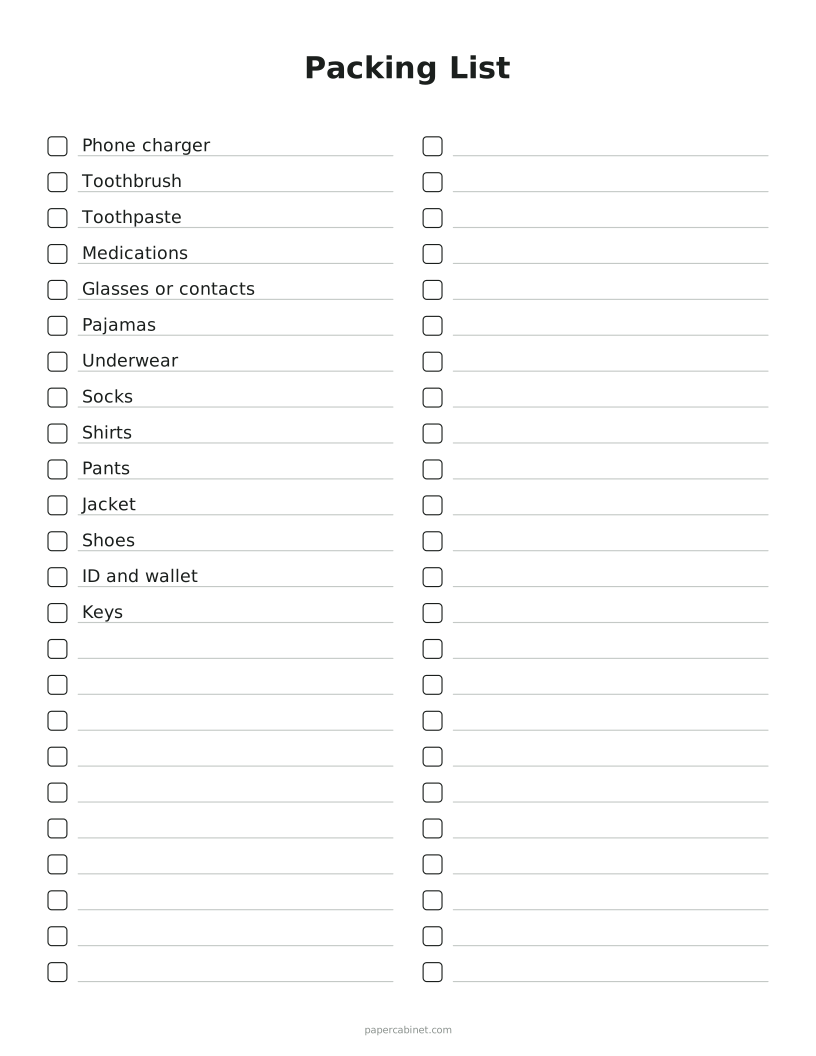
Pick Week, Day, List or Meals.
-
Change the title if you like. On a list, you can type items to print on the first lines.
-
Press Print. Print several copies at once to fill a binder.
Frequently Asked Questions
How do I use a weekly planner?
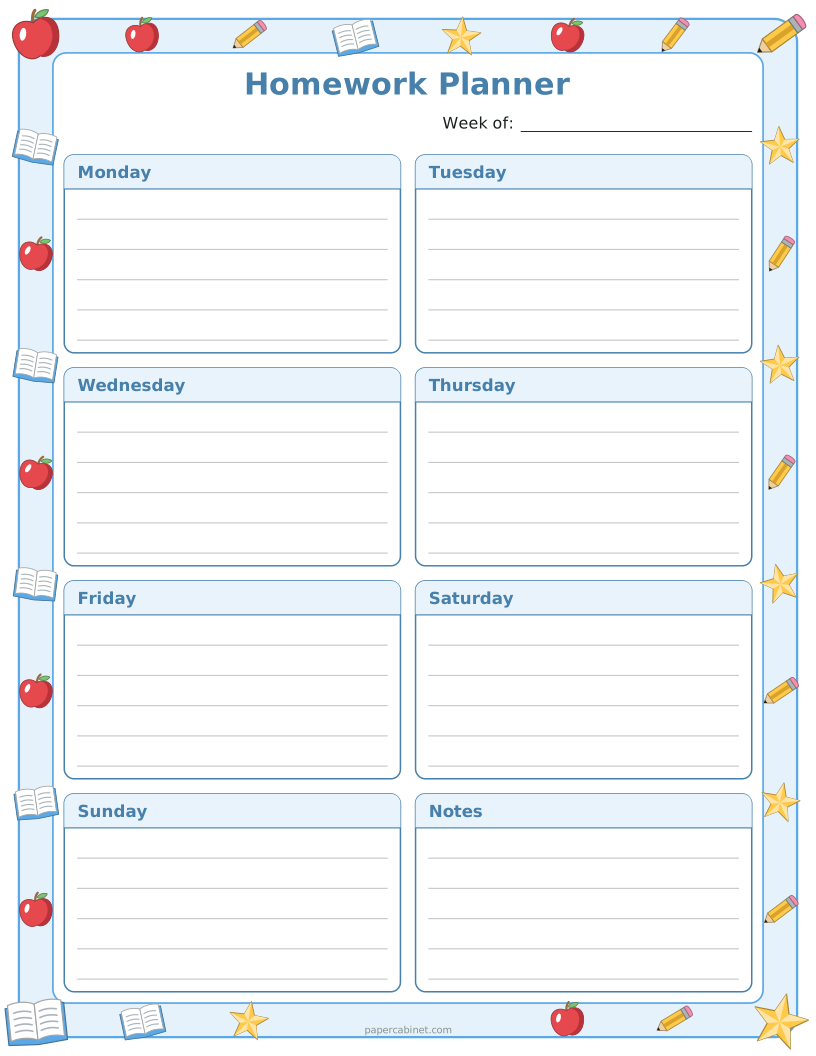
Fill it in on Sunday evening: appointments first, then the tasks you want done each day. Anything without a day goes in Notes, and you move unfinished jobs forward as the week goes on.
Can the weekly planner start on Sunday?
Yes. Open More options and set "Weeks start on" to Sunday.
Can I print a to-do list with my own items already on it?
Yes. Choose List and type your items, one per line. They print on the first lines, and the rest are left blank to fill in.
Will it print on A4 paper?
Yes. Open More options and choose A4. The boxes and lines resize to fit the page.