


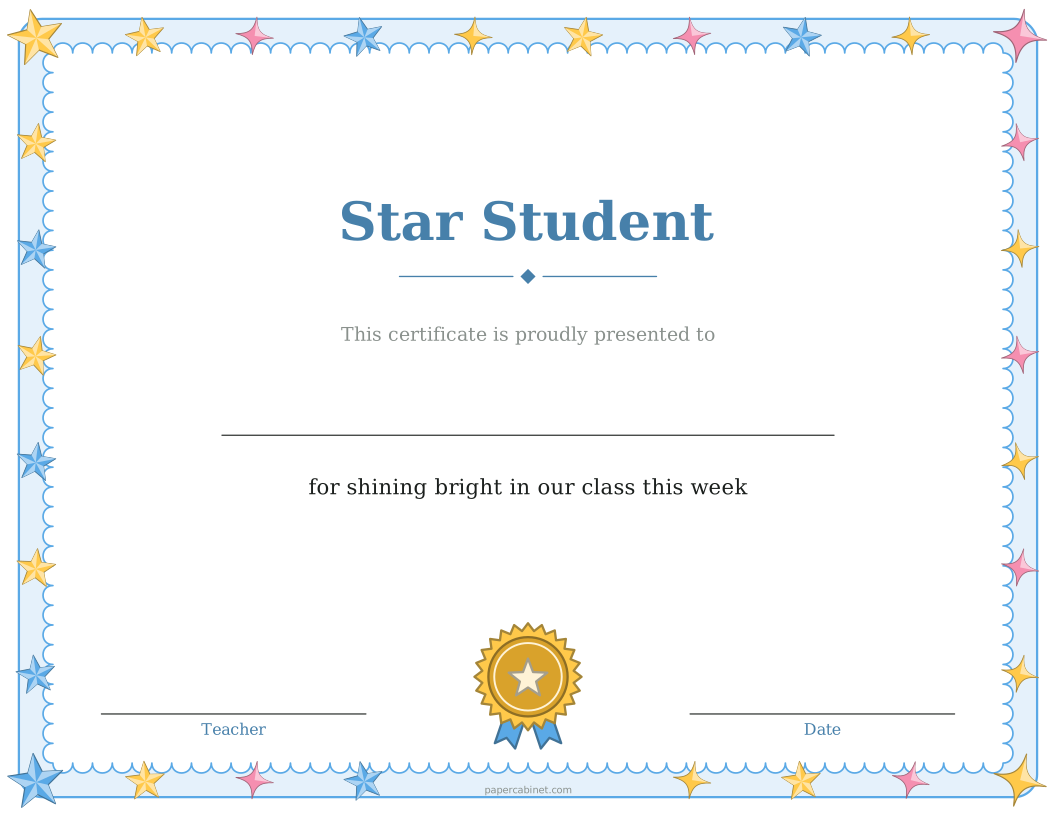
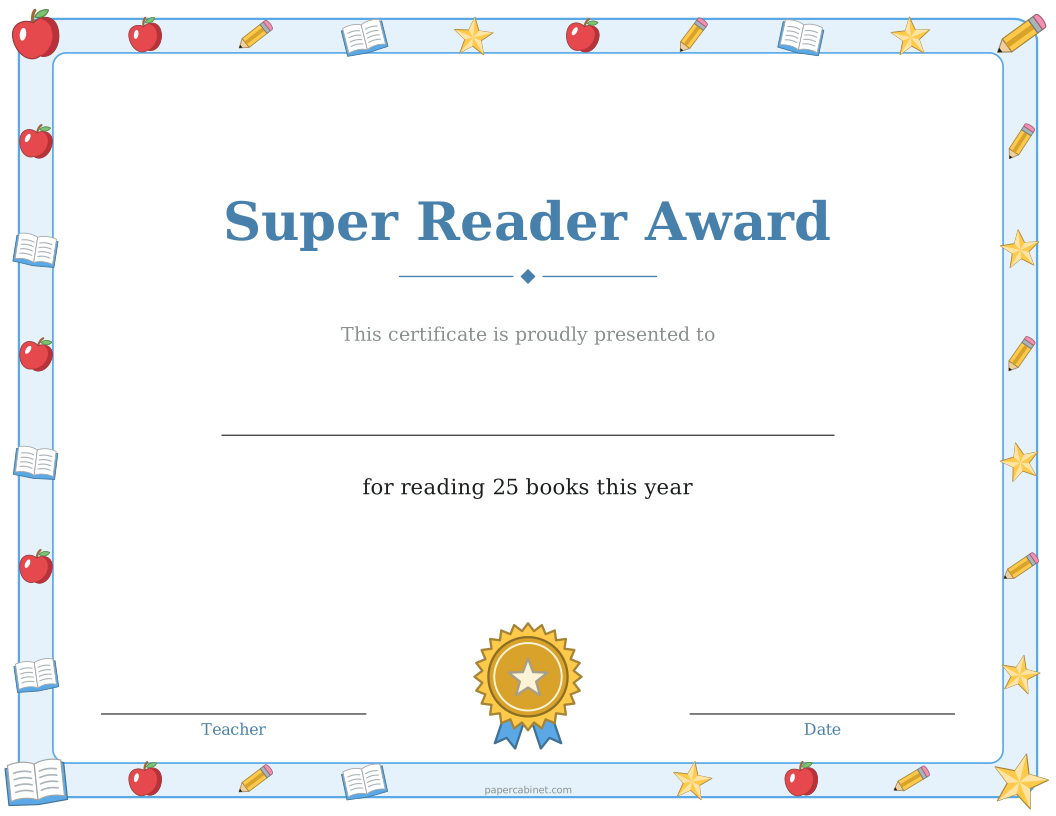
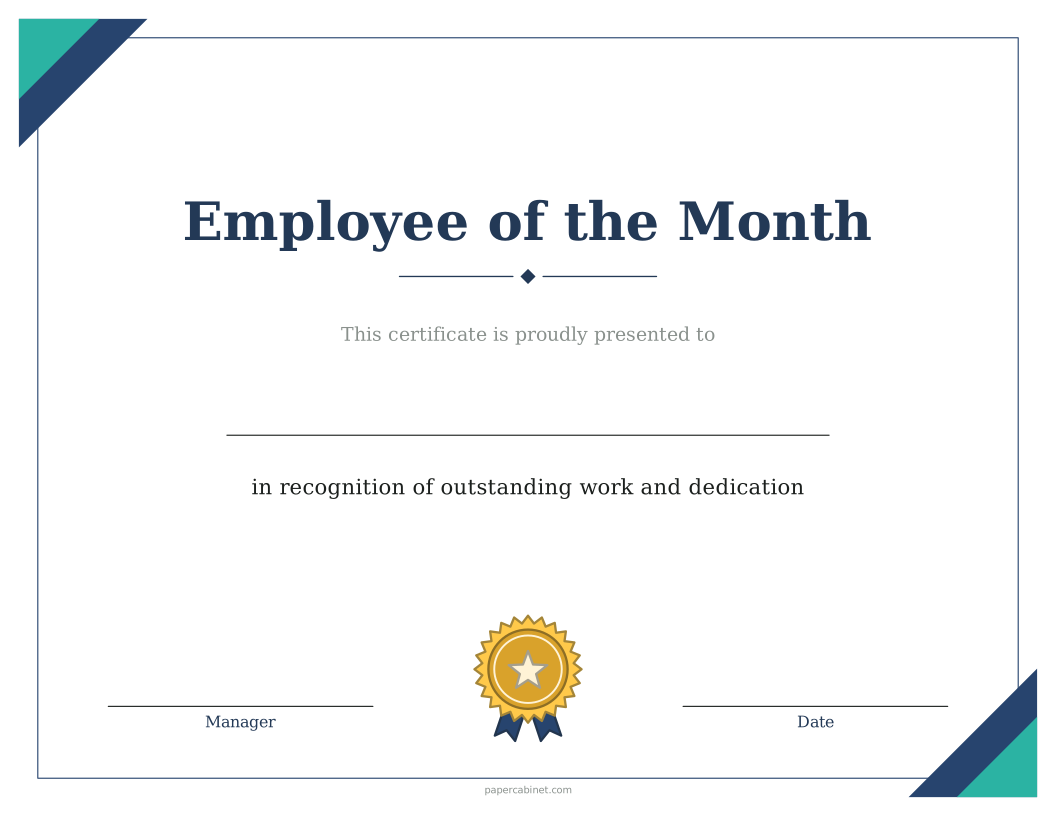
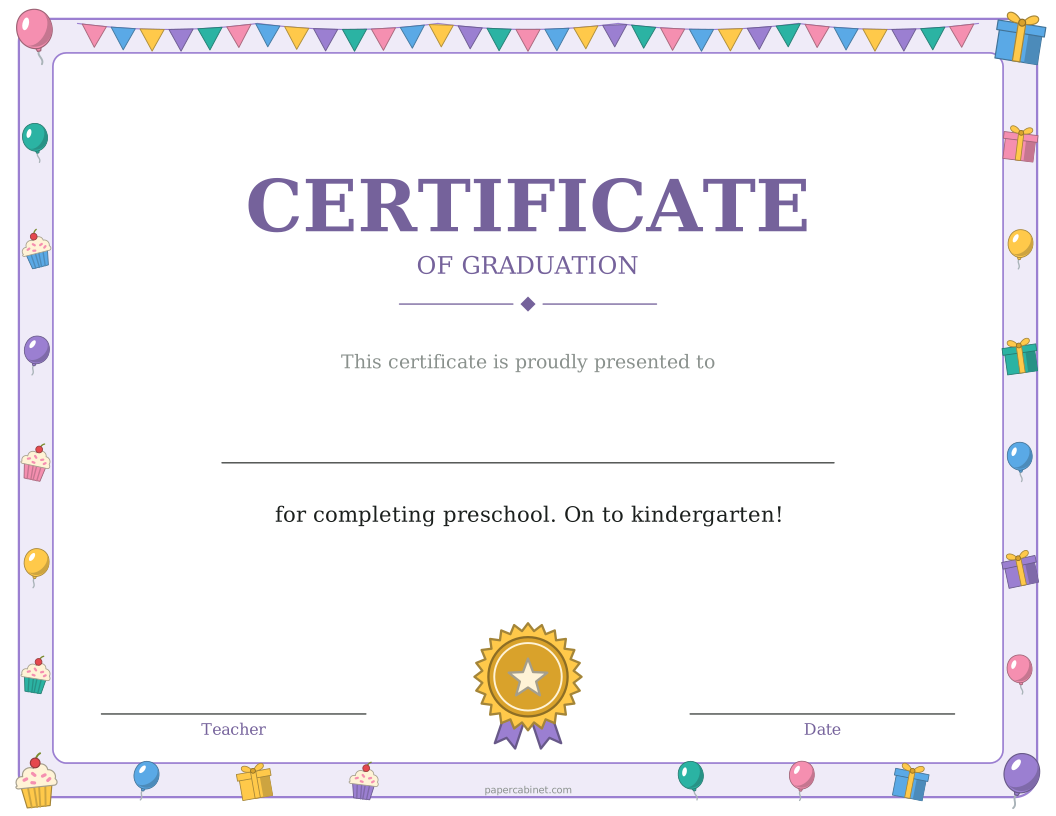
Three steps to a printed page
-
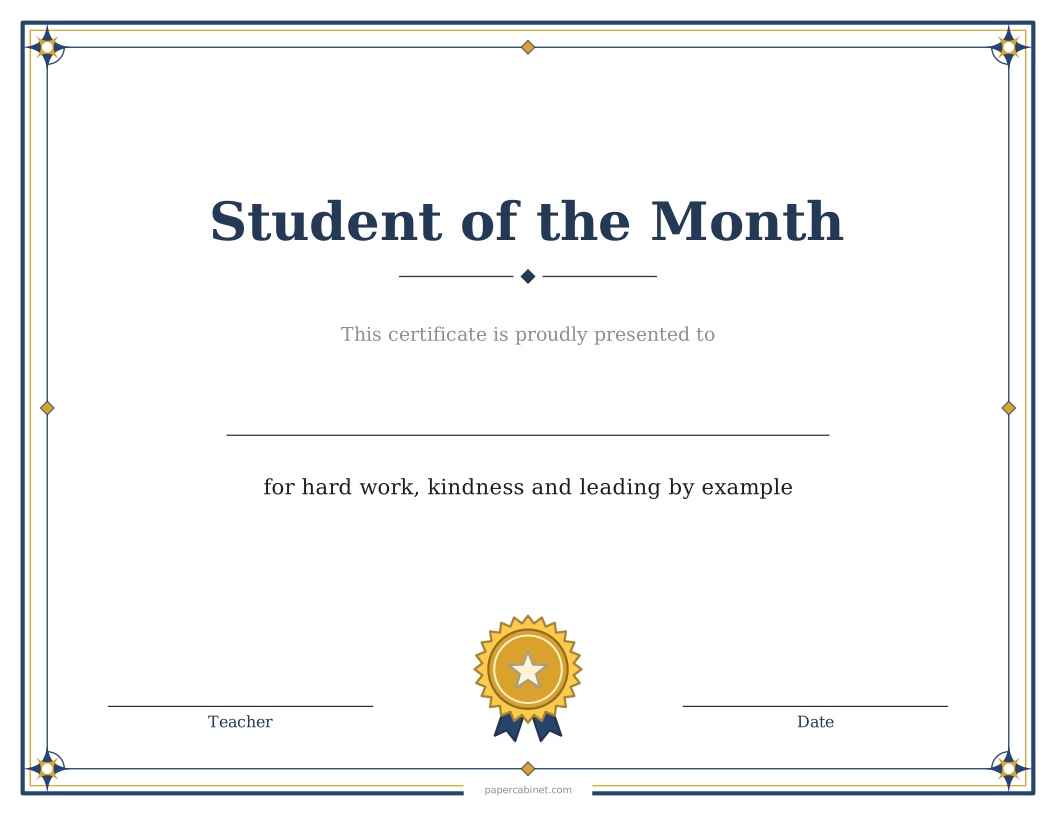
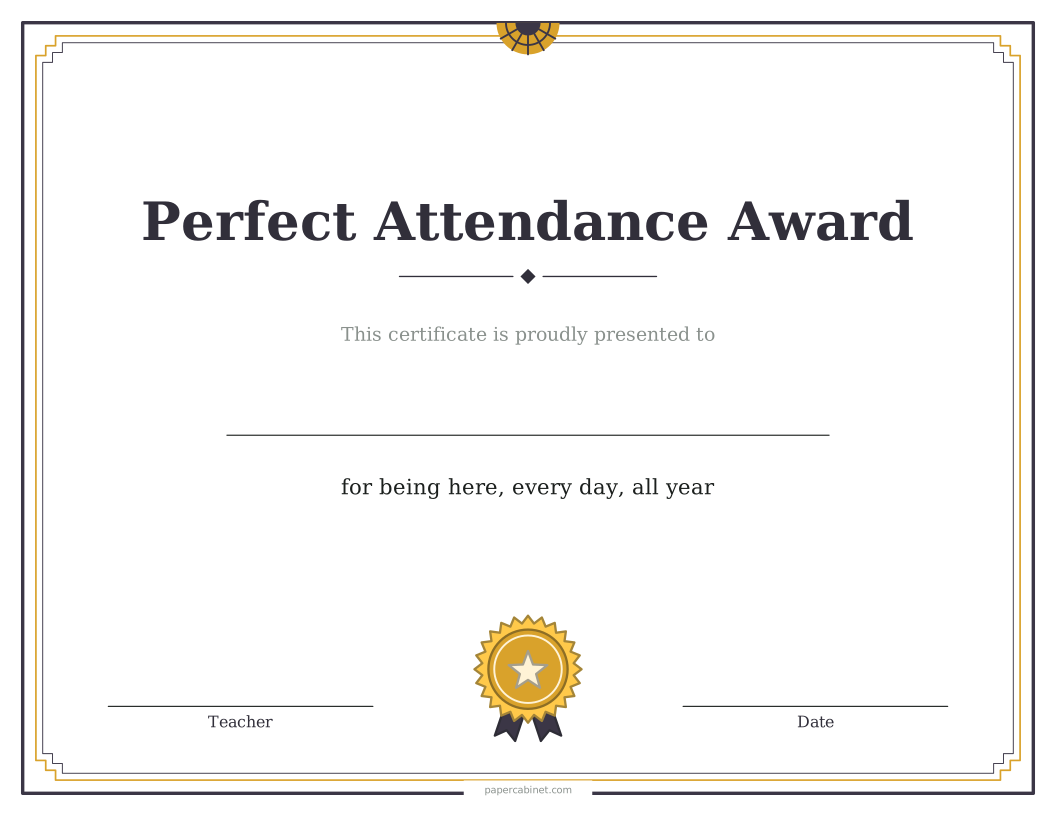
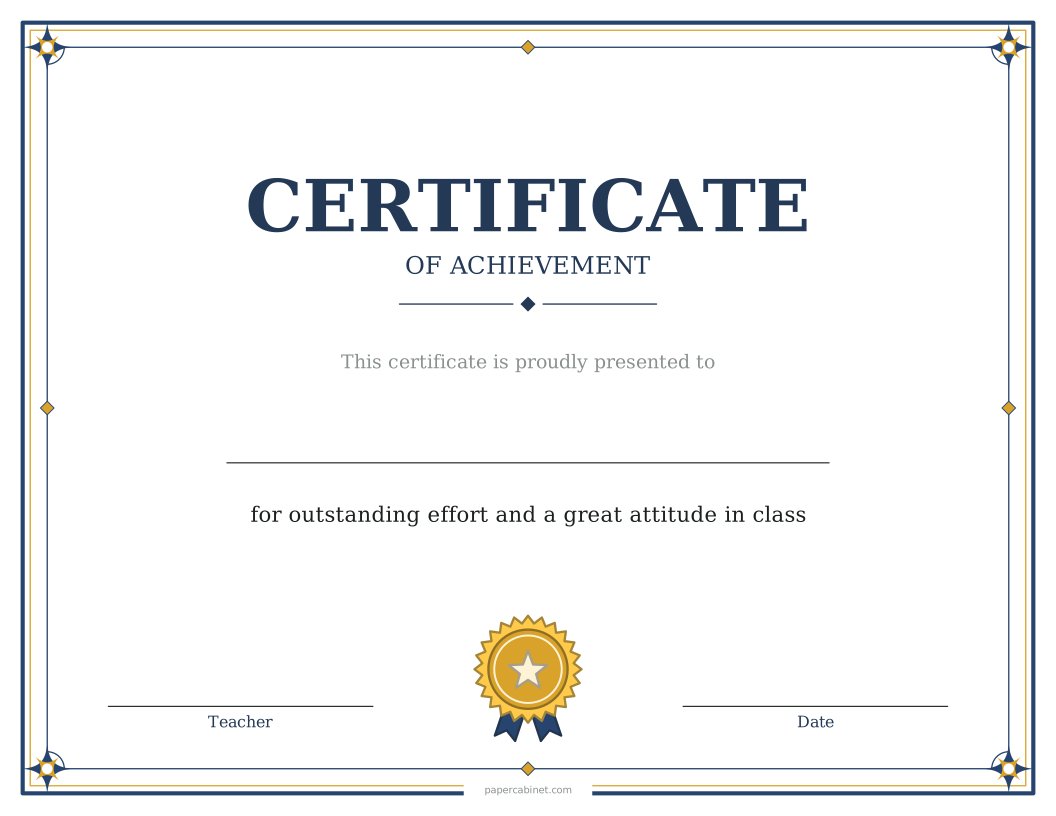
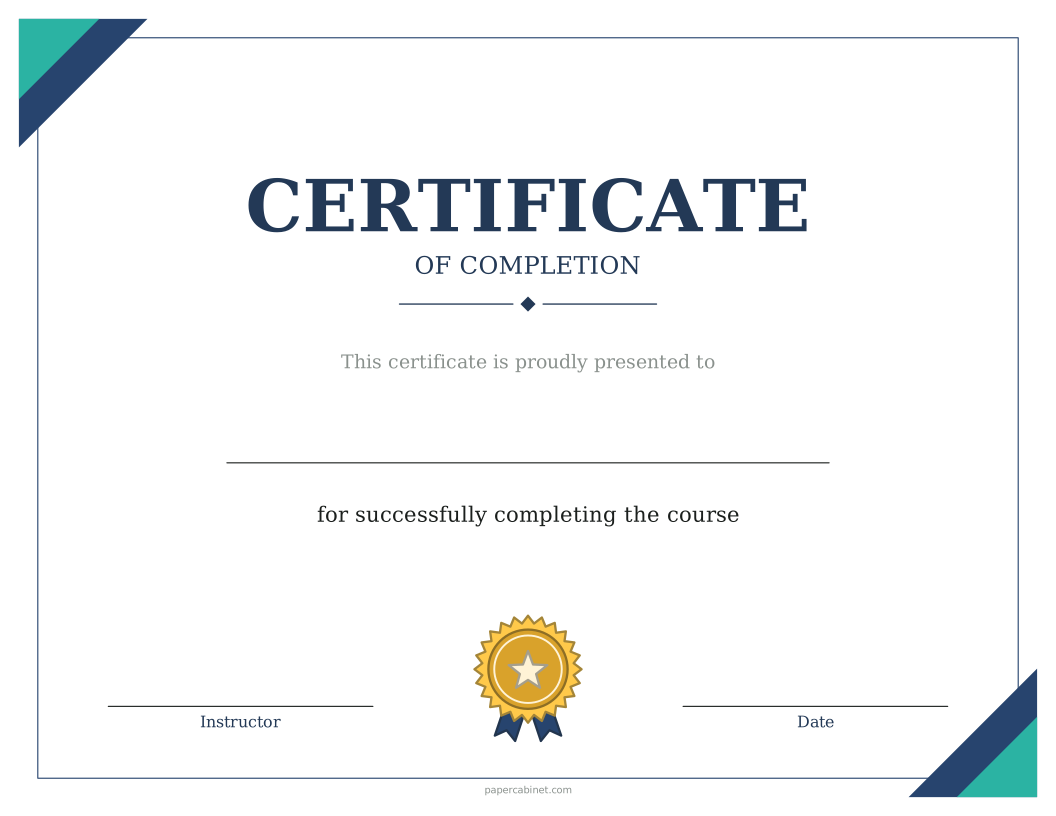
Type the award, such as "Certificate of Achievement", or pick one from the list.
-
Type one name per line. Each name prints on its own certificate.
-
Choose a border, then press Print. Certificates print sideways (landscape).
Frequently Asked Questions
What can a certificate of achievement be for?
Anything worth celebrating: finishing a reading log, mastering times tables, or completing a project. Type the reason in "What it's for".
Can I make certificates for my whole class at once?
Yes. Type every name in the Names box, one per line, and you get one certificate per name. Up to 60 at a time.
Can I print a blank certificate and write the name in?
Yes. Leave the Names box empty and the certificate prints with a line where the name goes.
What paper should I print certificates on?
Cardstock (65 to 80 lb) or parchment paper. Both feed through most home printers. Regular paper works too if that is what you have.
Can I change the date and who signs it?
Yes. Open "More options" to set the name under the signature line, such as "Principal" or "Coach", and to print a date. Leave the date empty to write it in.