




Three steps to a printed page
-
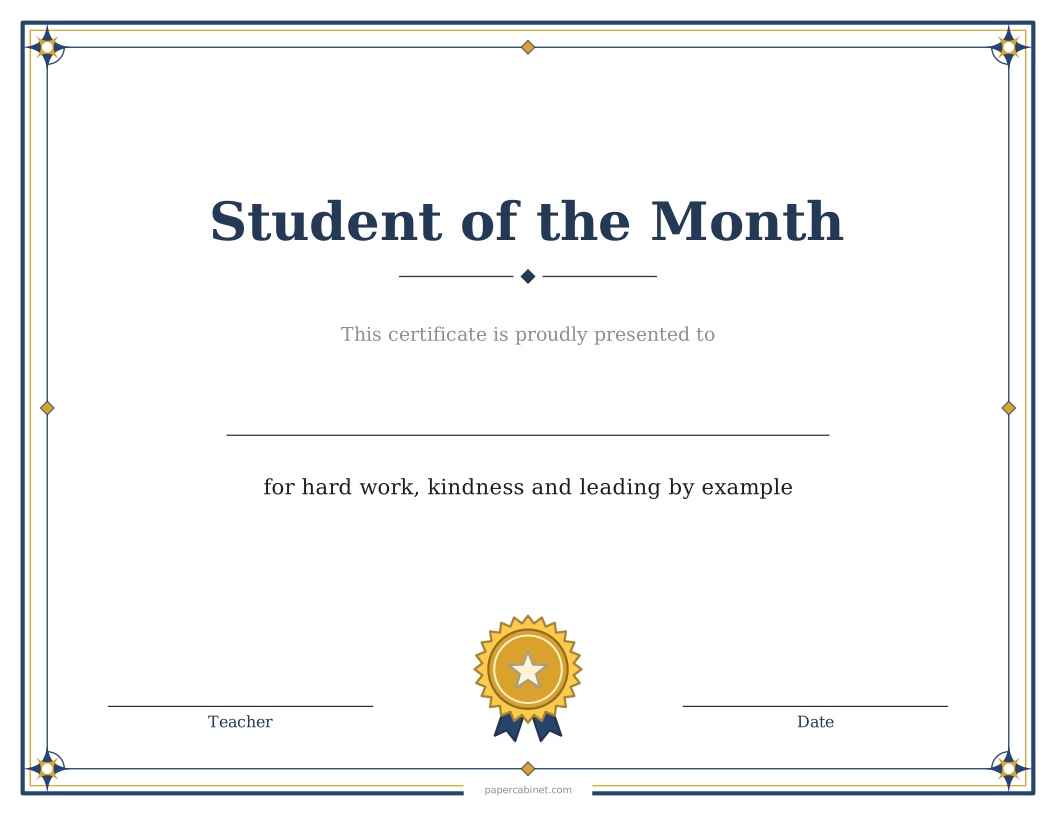
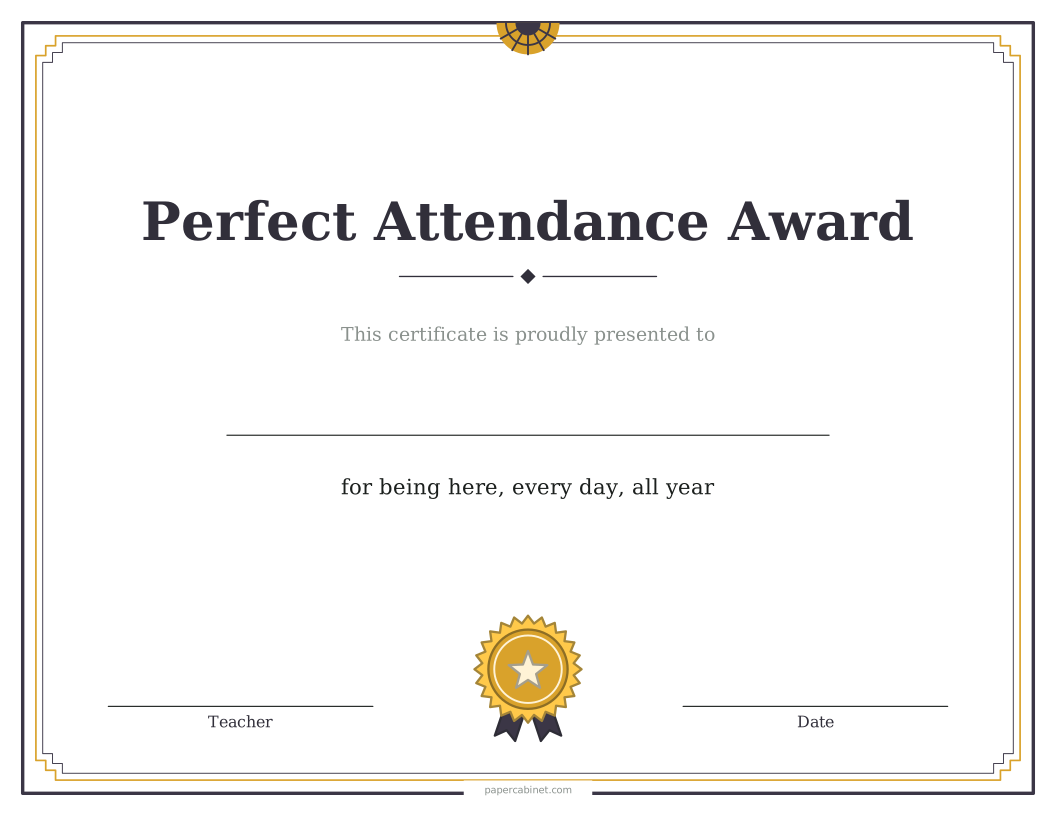
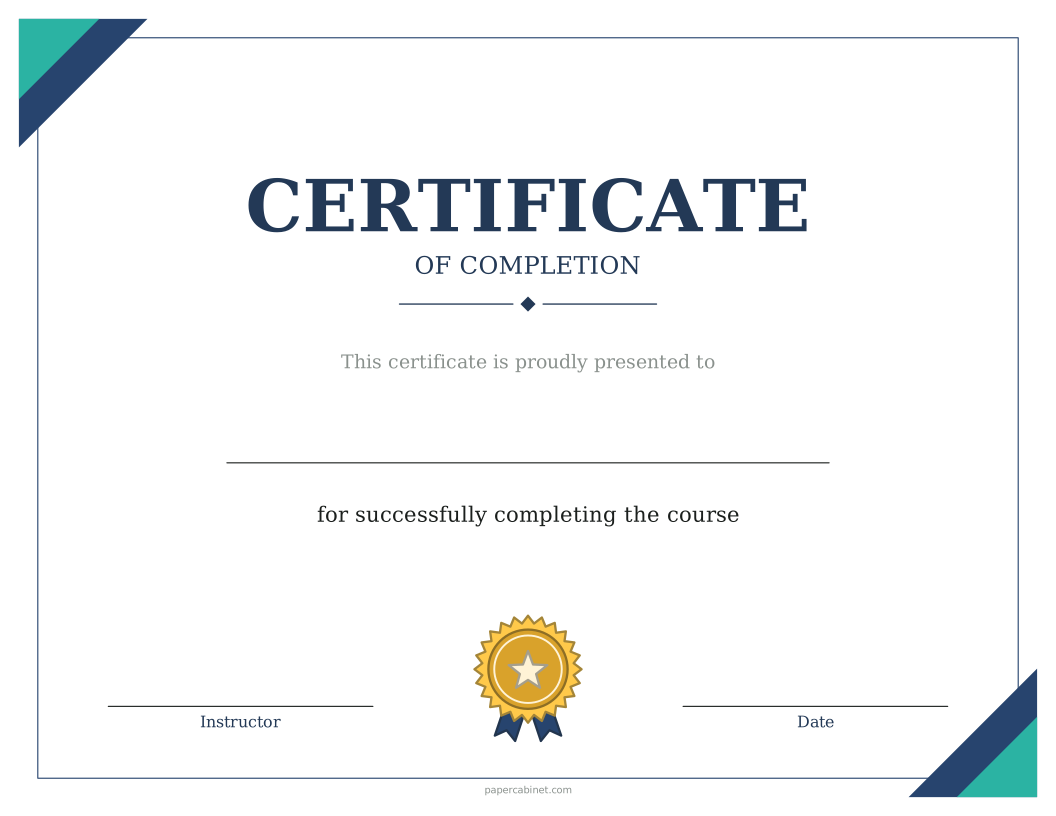
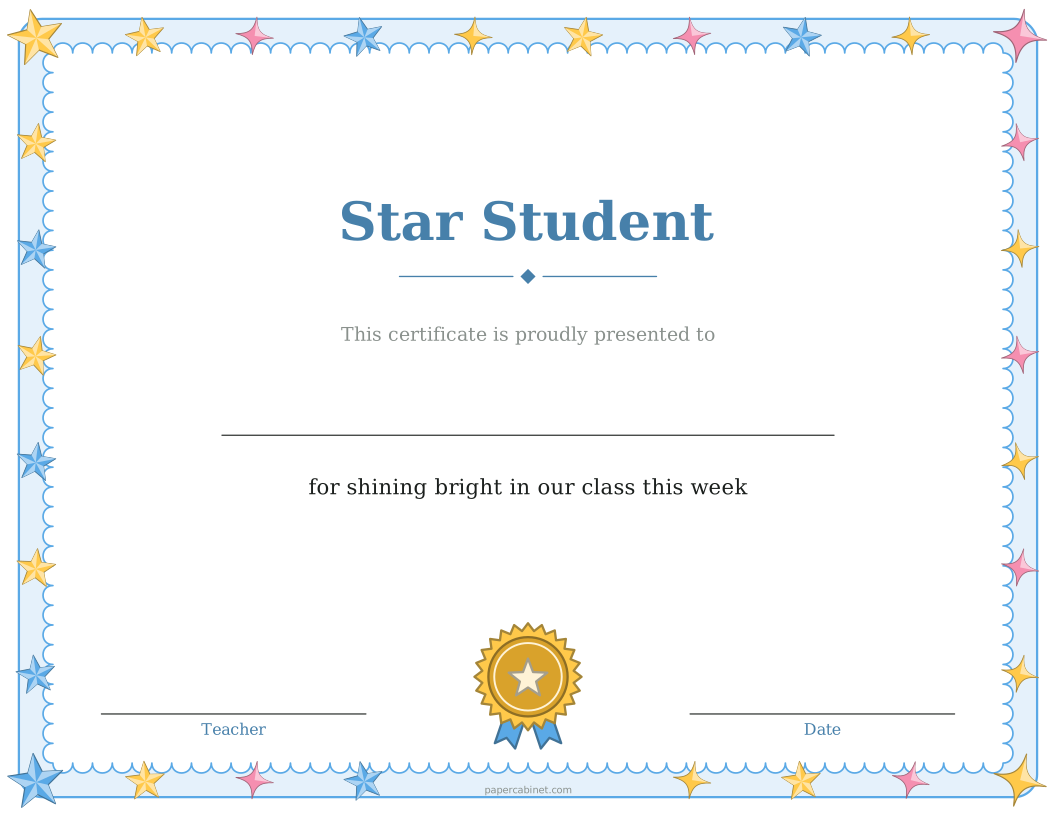
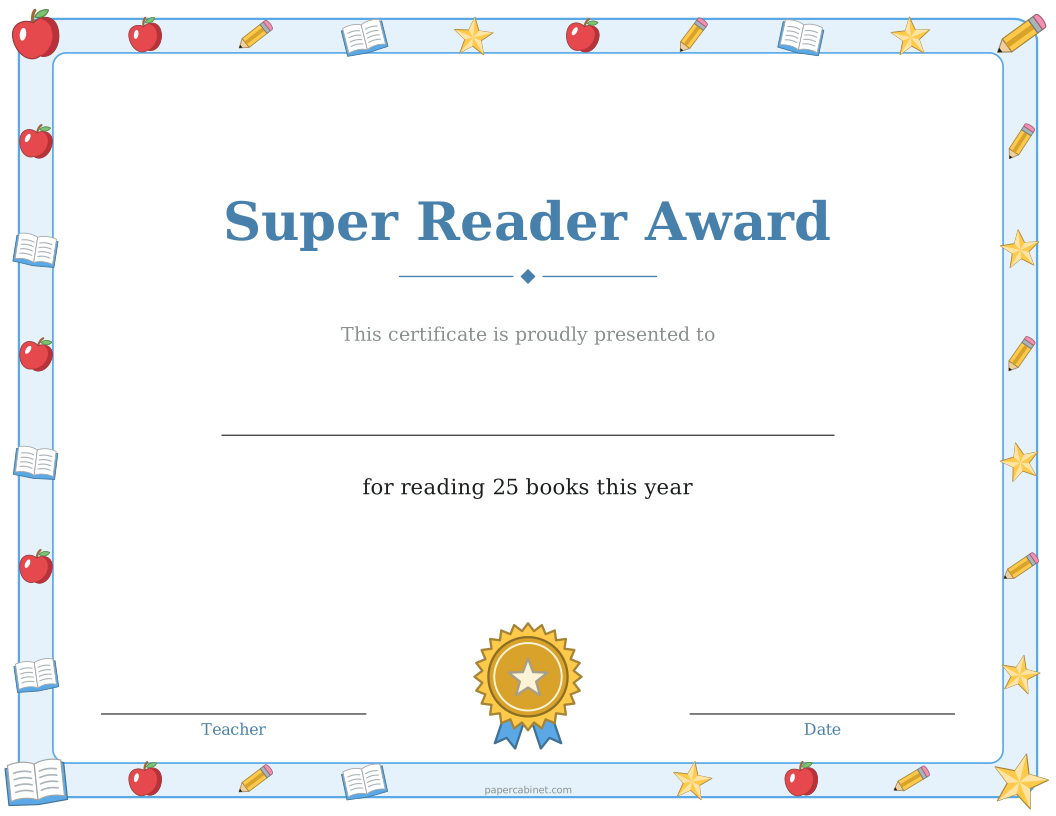
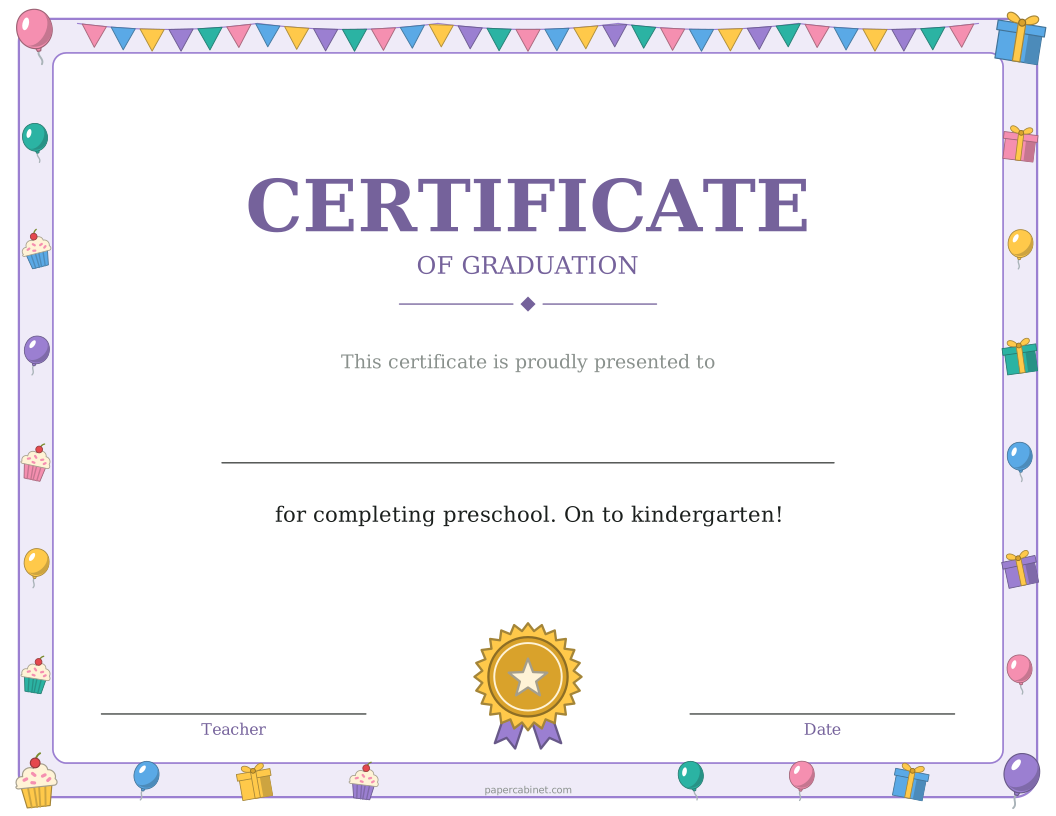
Type the award, such as "Certificate of Achievement", or pick one from the list.
-
Type one name per line. Each name prints on its own certificate.
-
Choose a border, then press Print. Certificates print sideways (landscape).
Frequently Asked Questions
When do you give perfect attendance awards?
Usually at the end of the school year, or at the end of each term for younger grades.
Can I make certificates for my whole class at once?
Yes. Type every name in the Names box, one per line, and you get one certificate per name. Up to 60 at a time.
Can I print a blank certificate and write the name in?
Yes. Leave the Names box empty and the certificate prints with a line where the name goes.
What paper should I print certificates on?
Cardstock (65 to 80 lb) or parchment paper. Both feed through most home printers. Regular paper works too if that is what you have.
Can I change the date and who signs it?
Yes. Open "More options" to set the name under the signature line, such as "Principal" or "Coach", and to print a date. Leave the date empty to write it in.